 Premium39 EGPLive preview
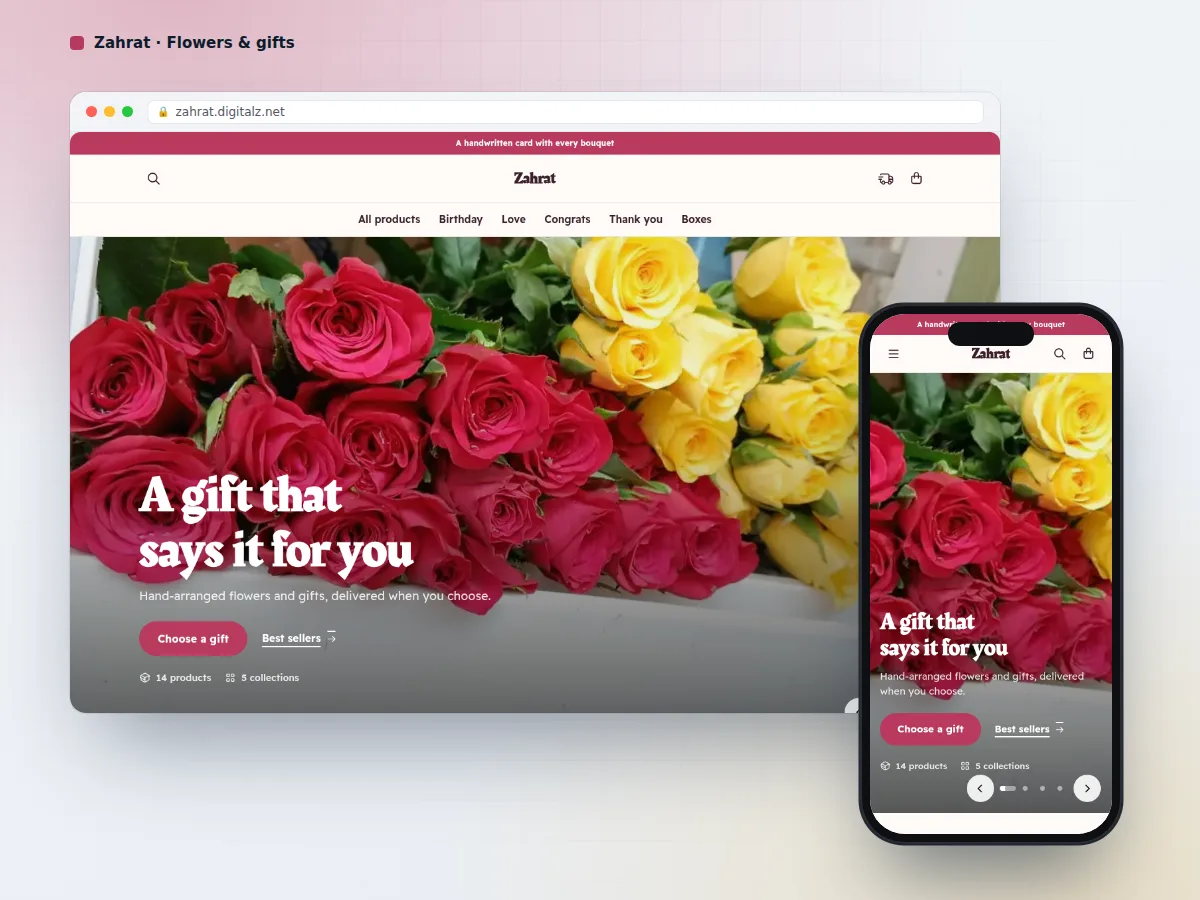
Zahrat
Flowers & gifts
A photo slider, occasion cards and bouquet styling with your products.


Looks made for every kind of business. See them live before you pick, then tune them in the editor without code.
52 looks24 niches27 free
Every niche has looks made to fit it.
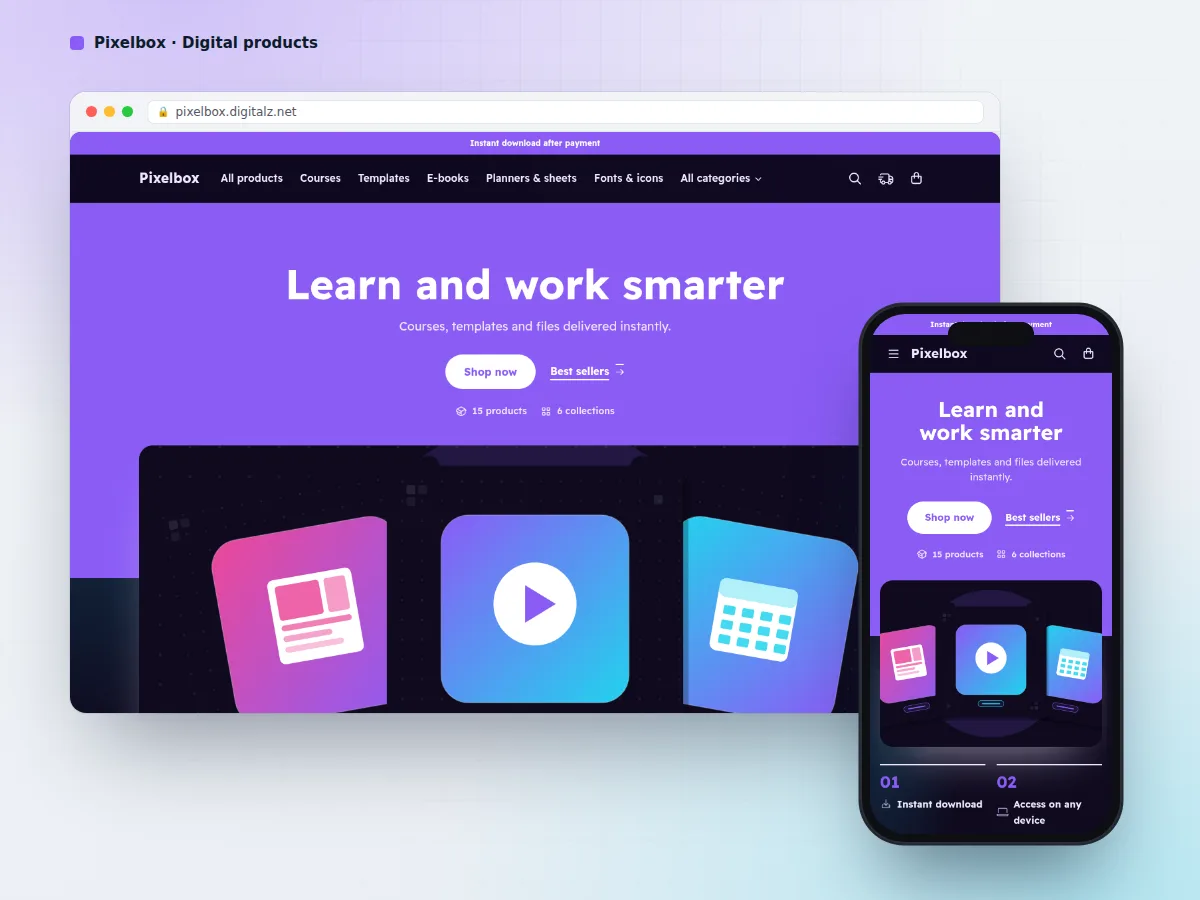 Digital products13 looks
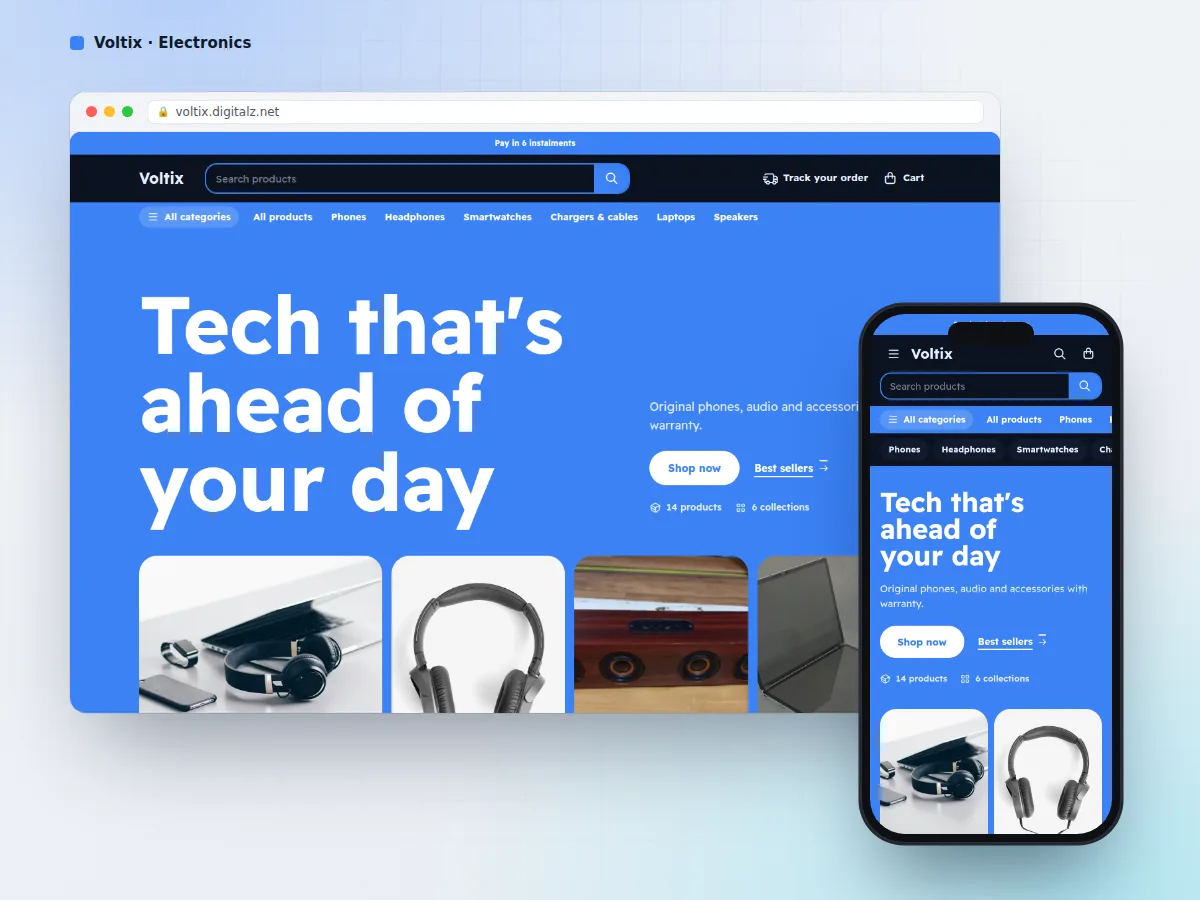 Electronics4 looks
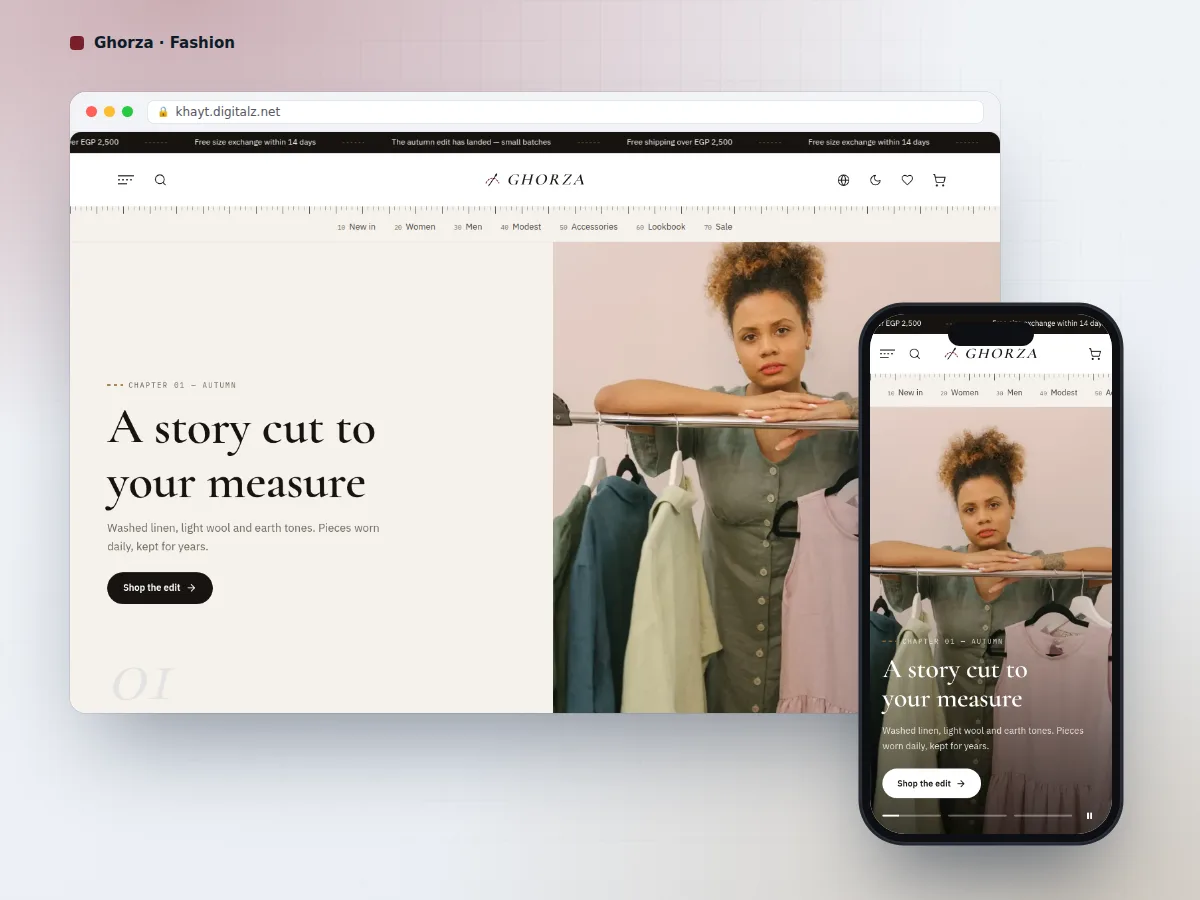
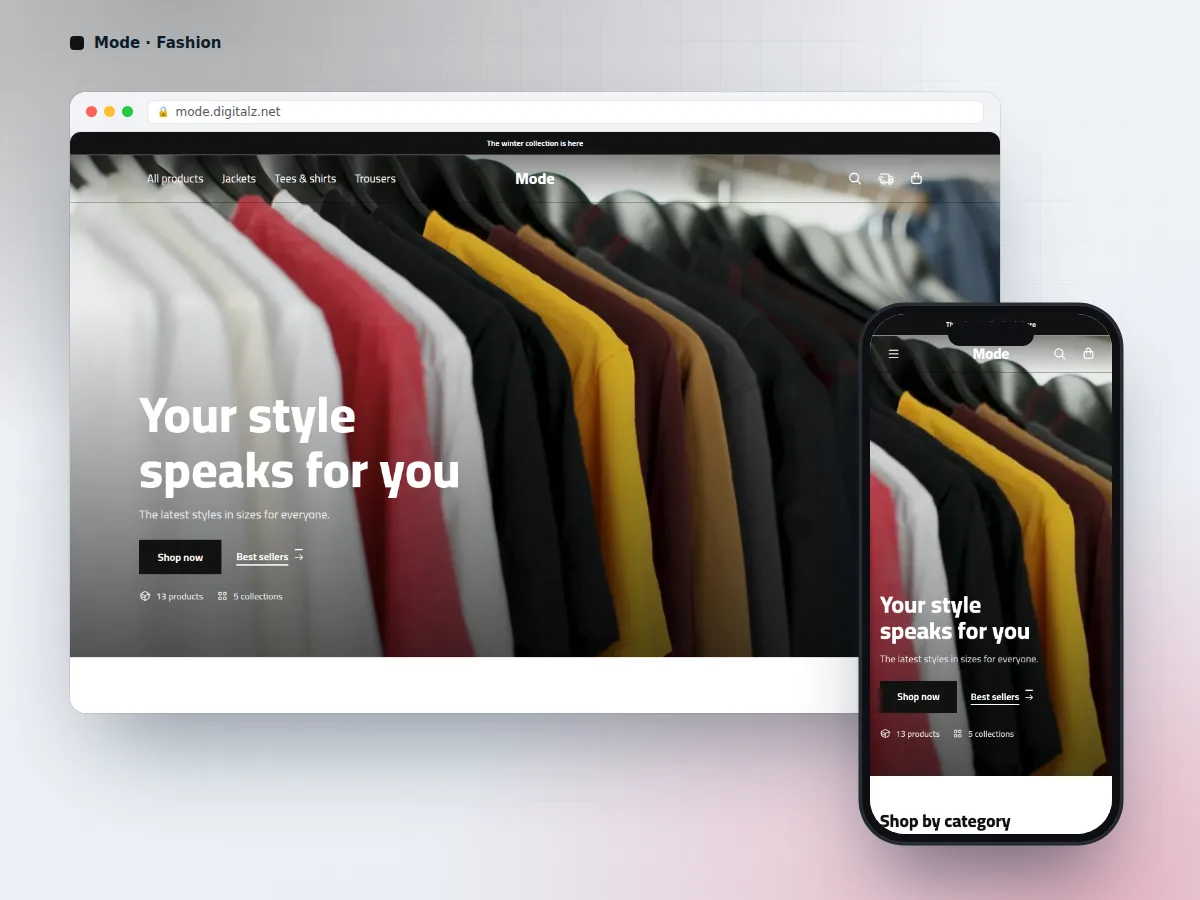 Fashion4 looks
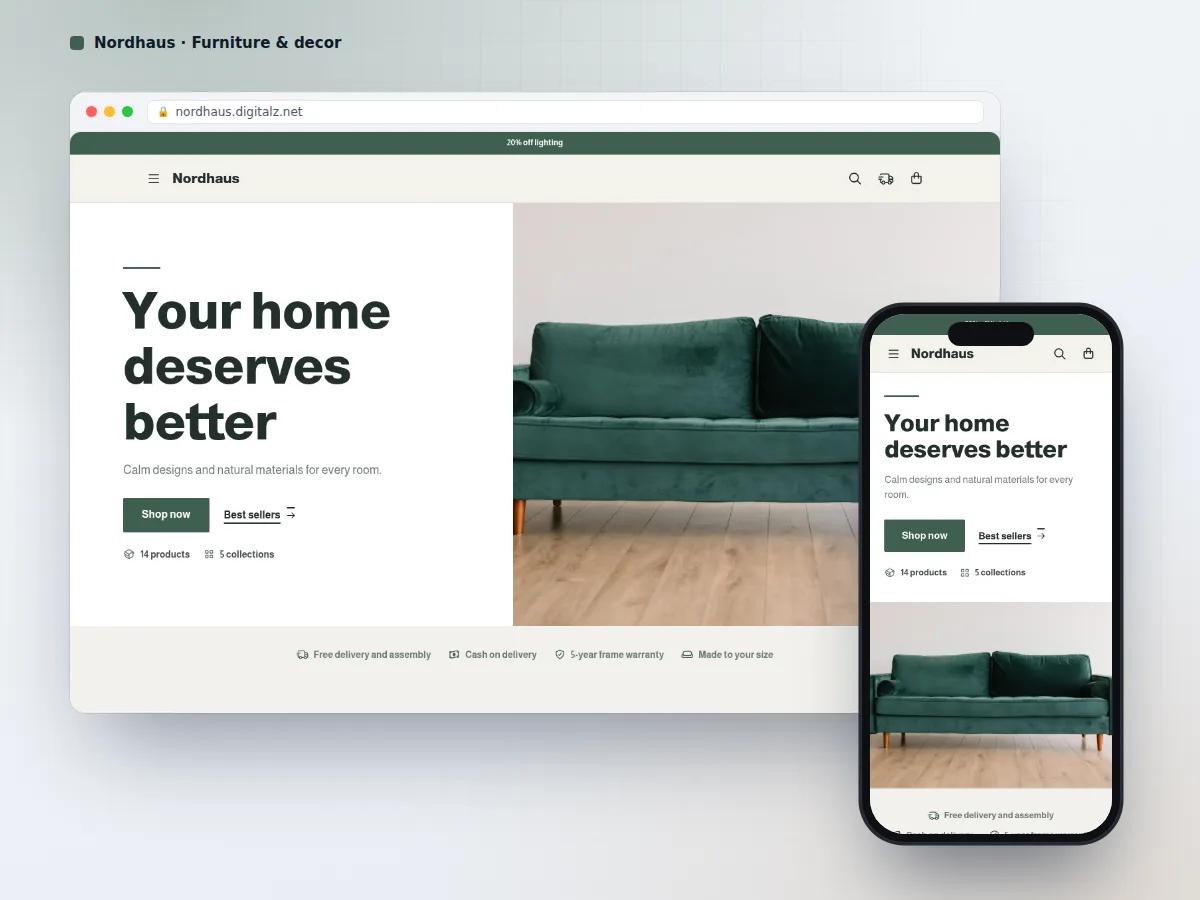 Furniture & decor2 looks
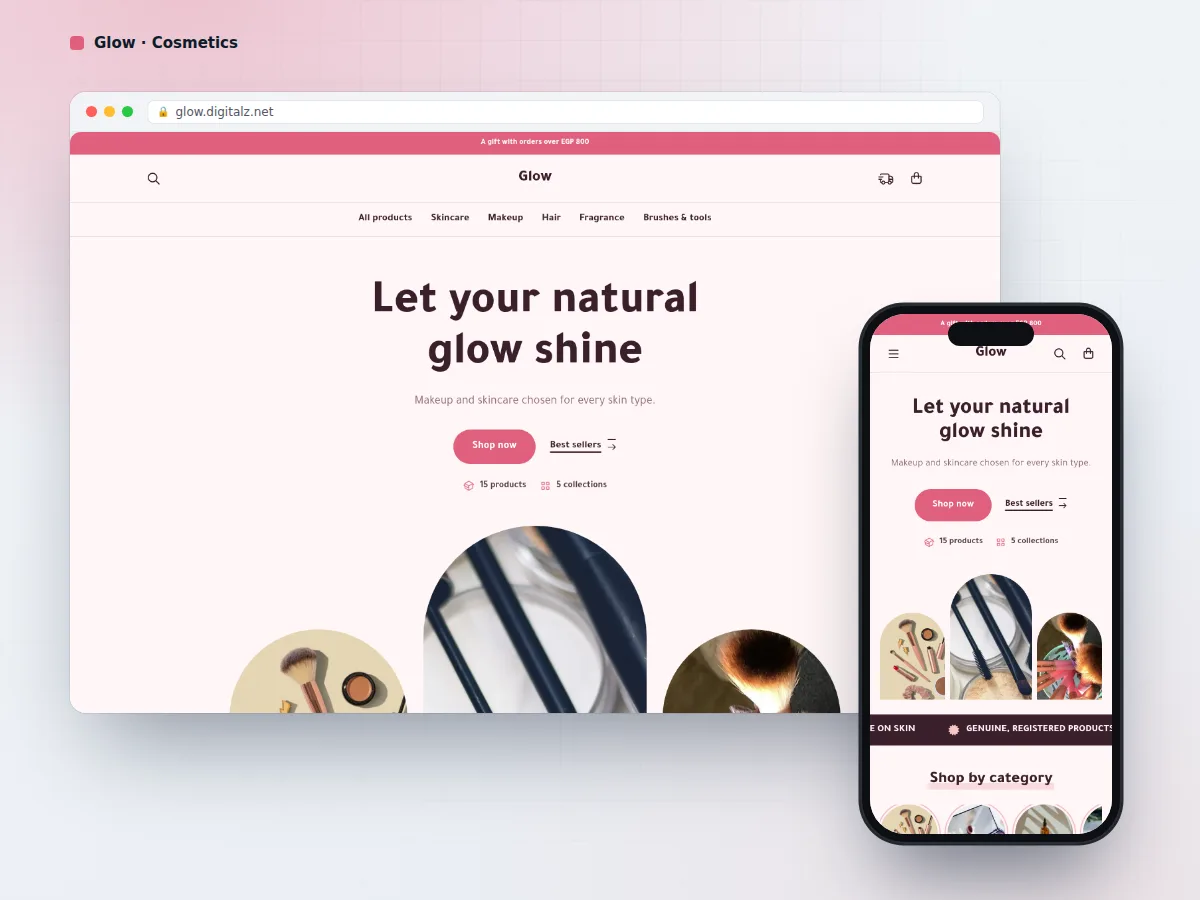 Cosmetics2 looks
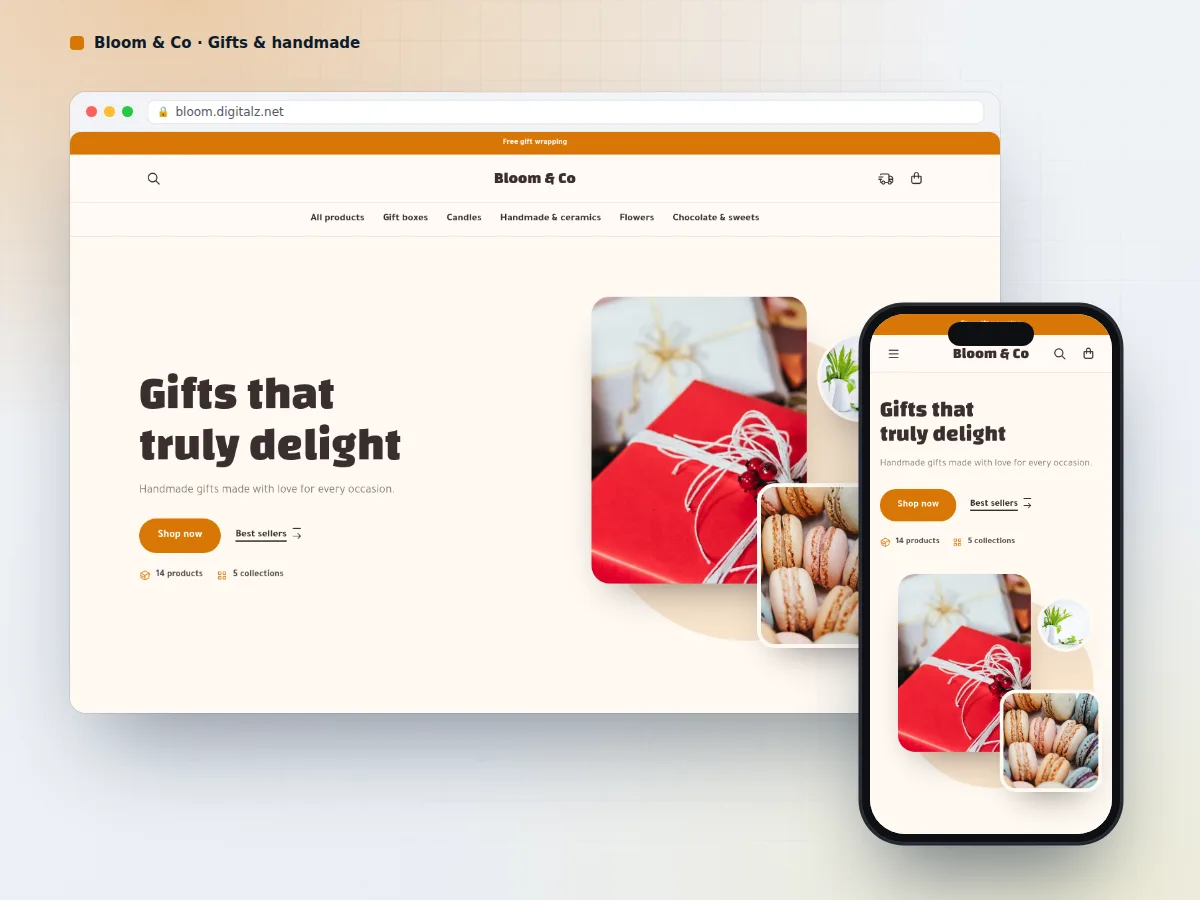 Gifts & handmade2 looks
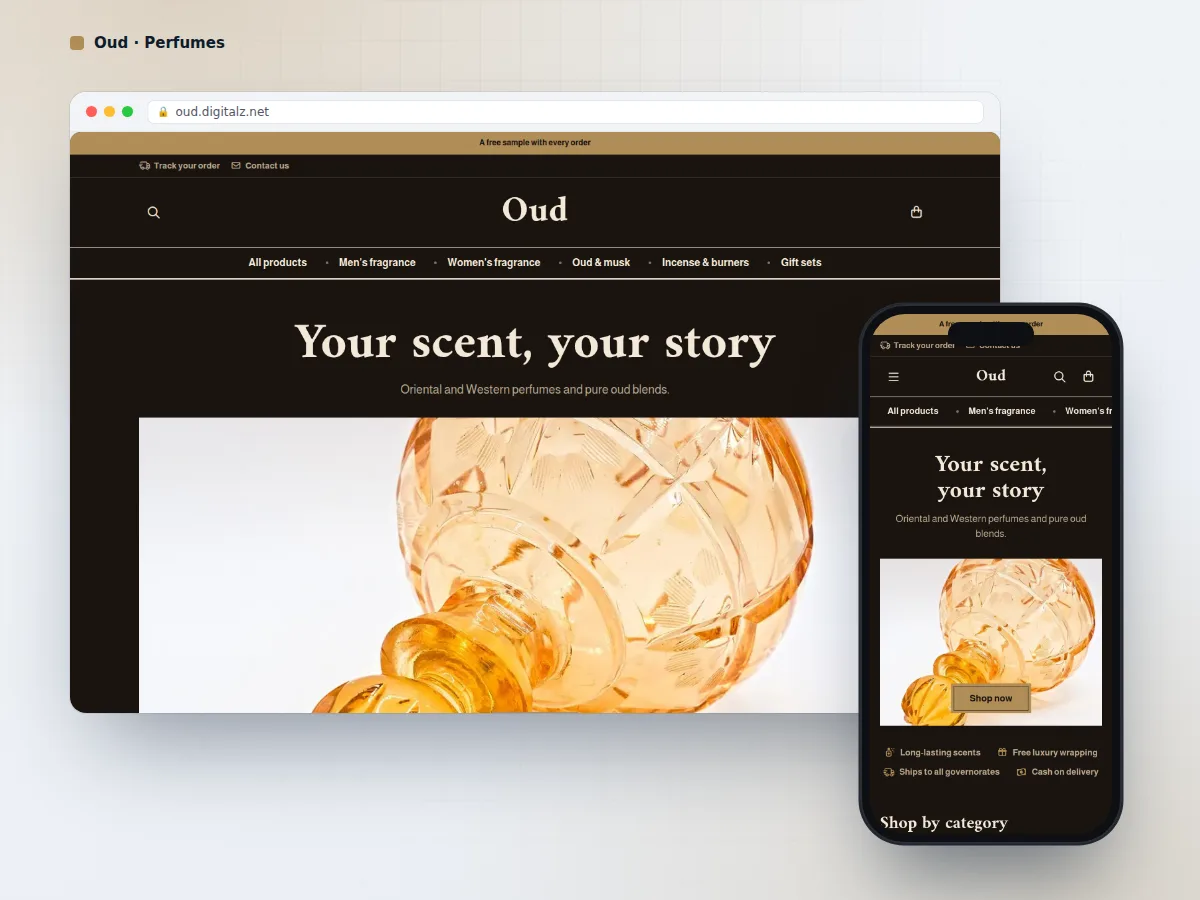 Perfumes2 looks
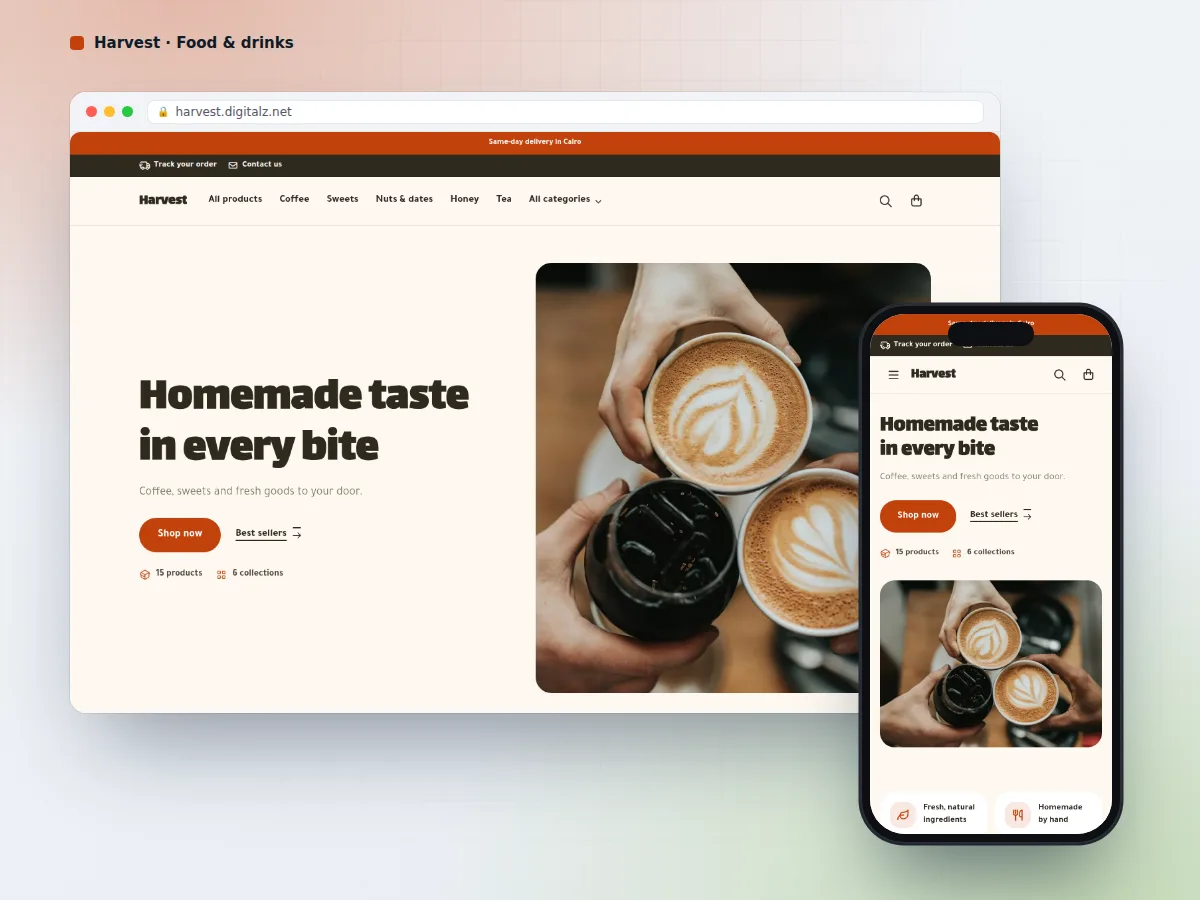 Food & drinks2 looks
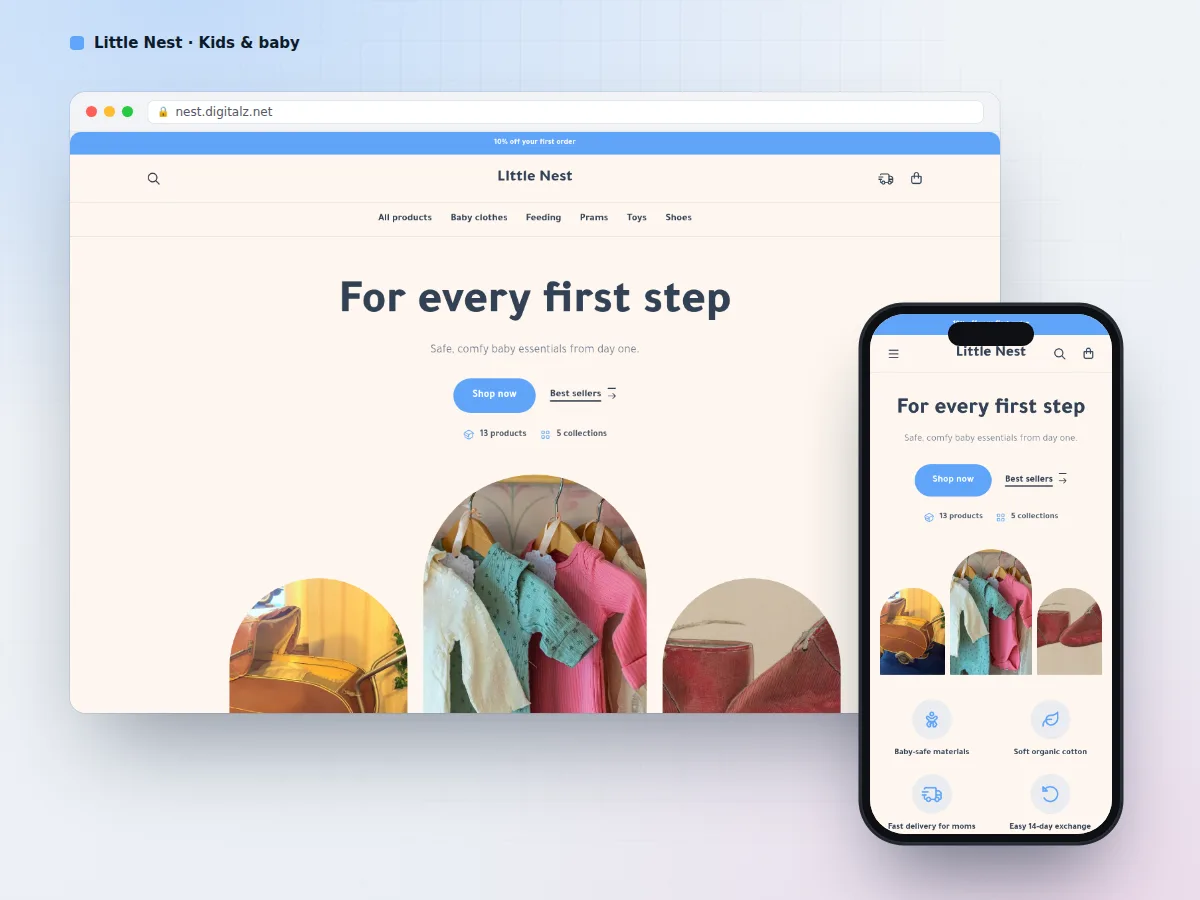 Kids & baby2 looks
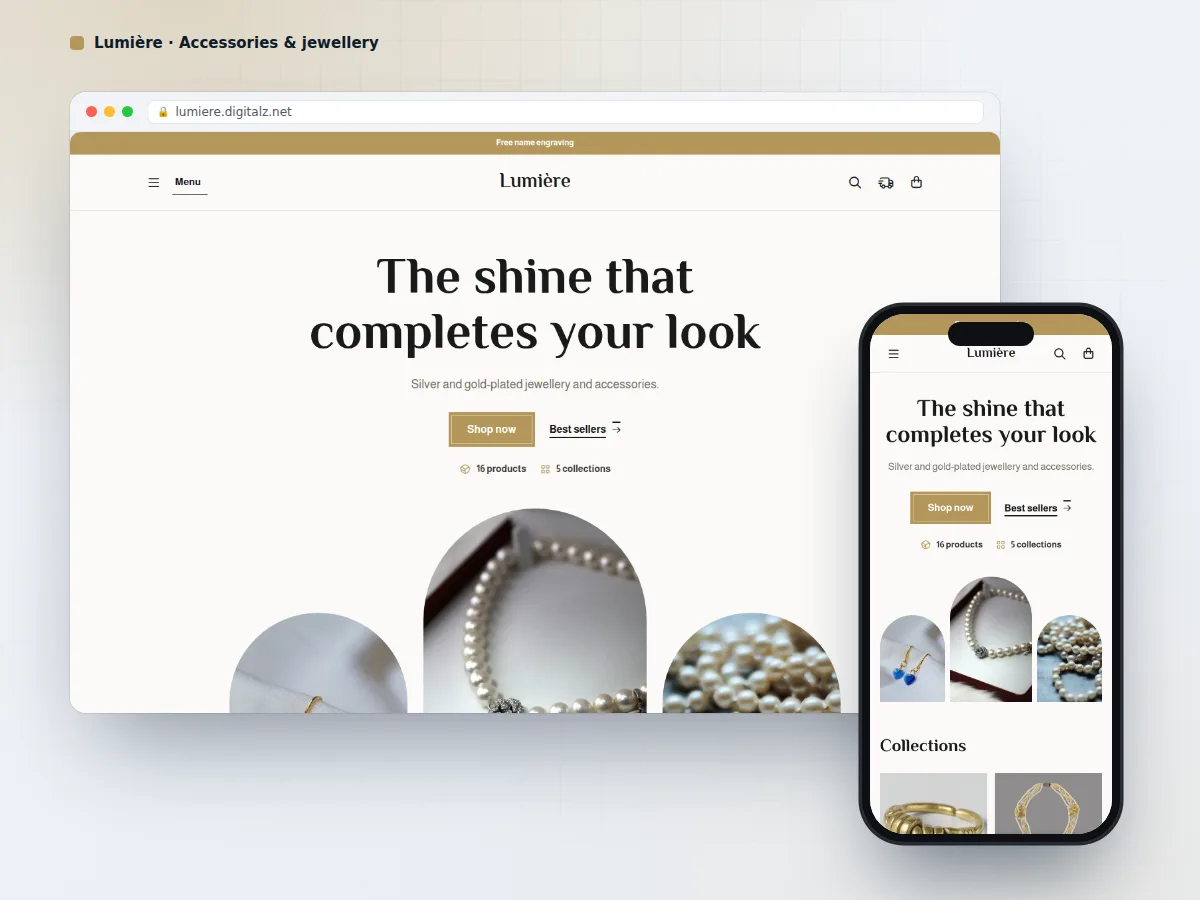 Accessories & jewellery2 looks
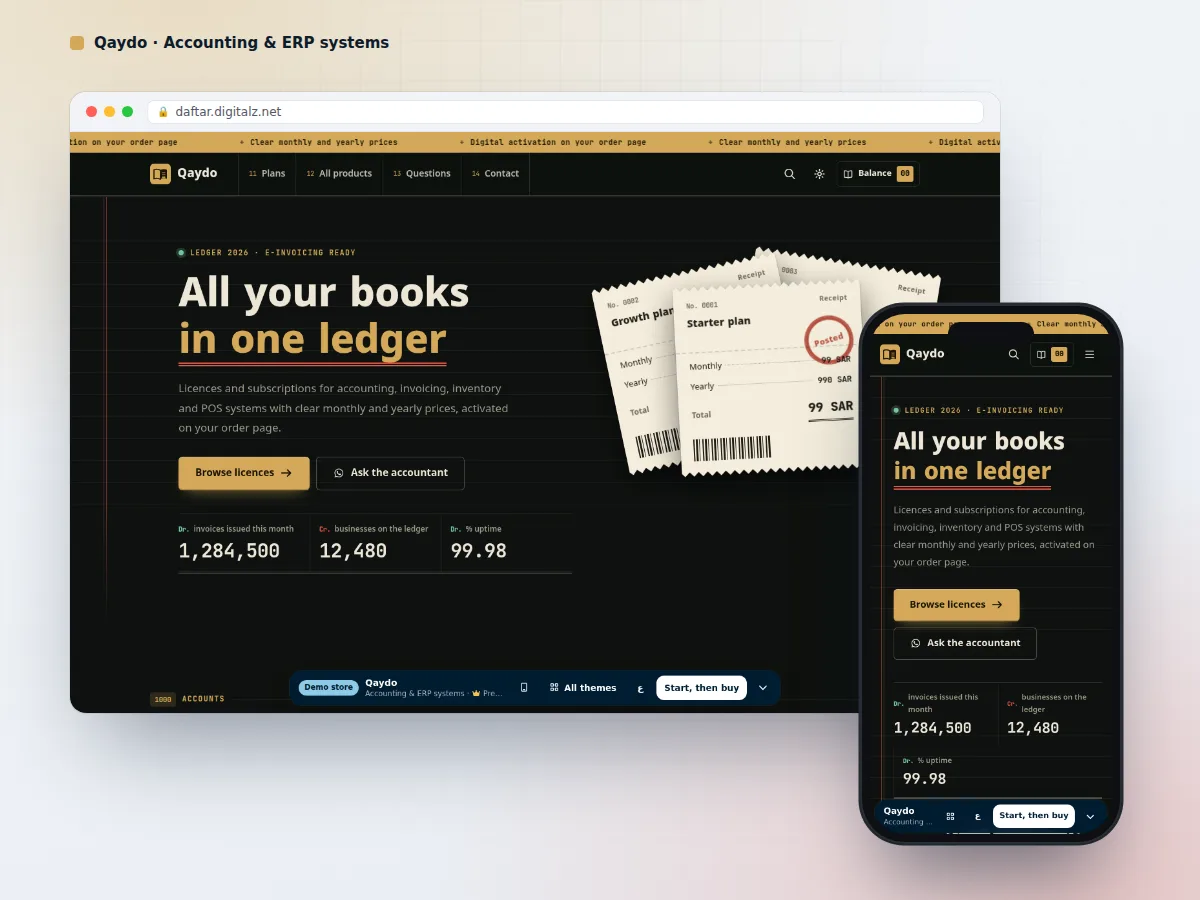 Accounting & ERP systems2 looks
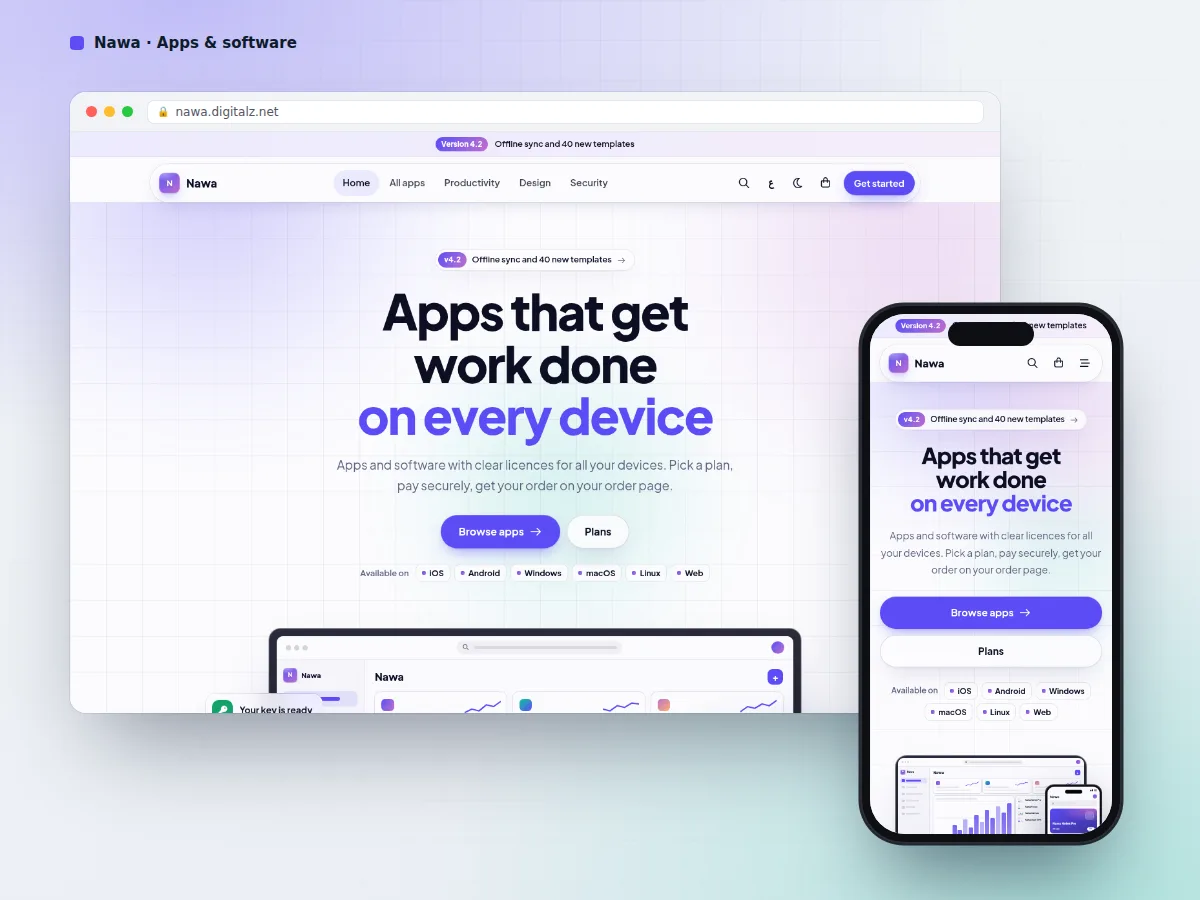 Apps & software2 looks
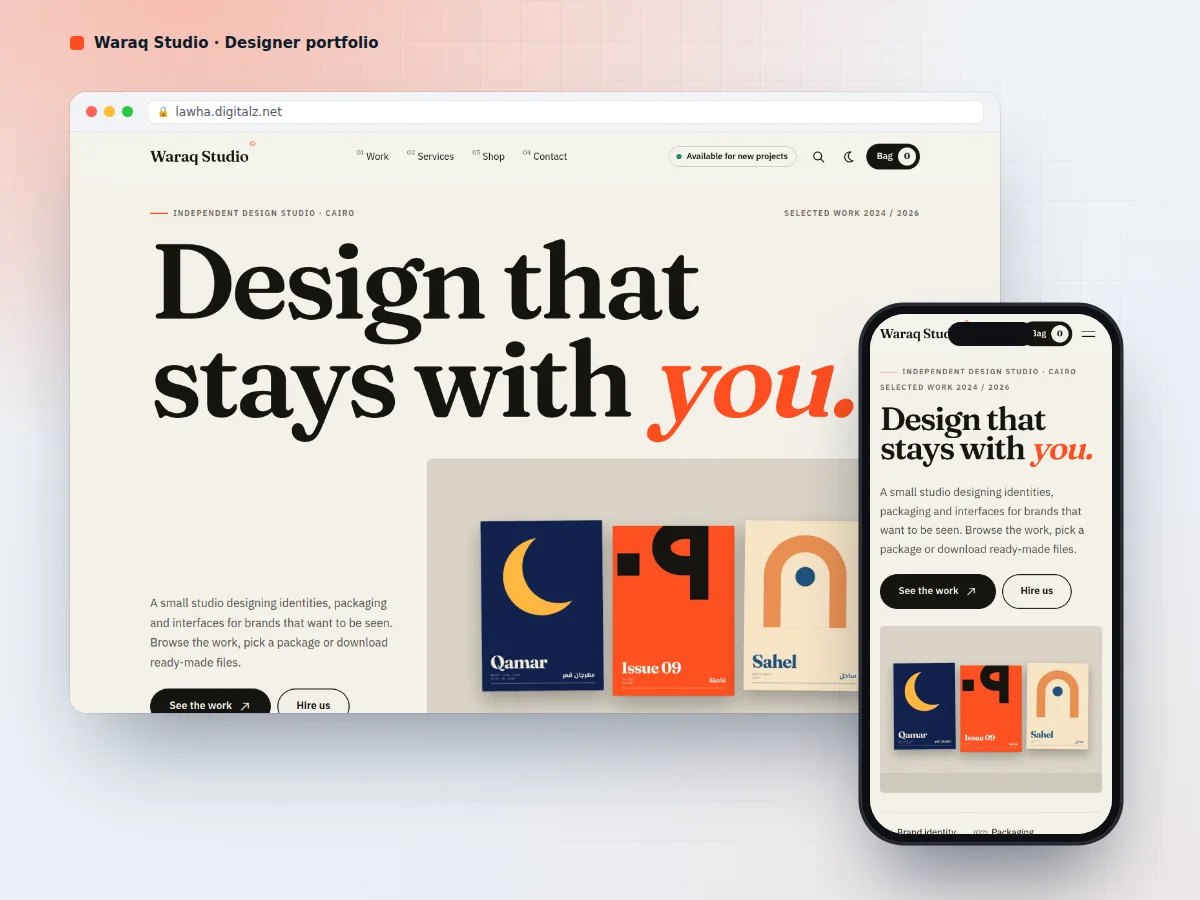 Designer portfolio2 looks
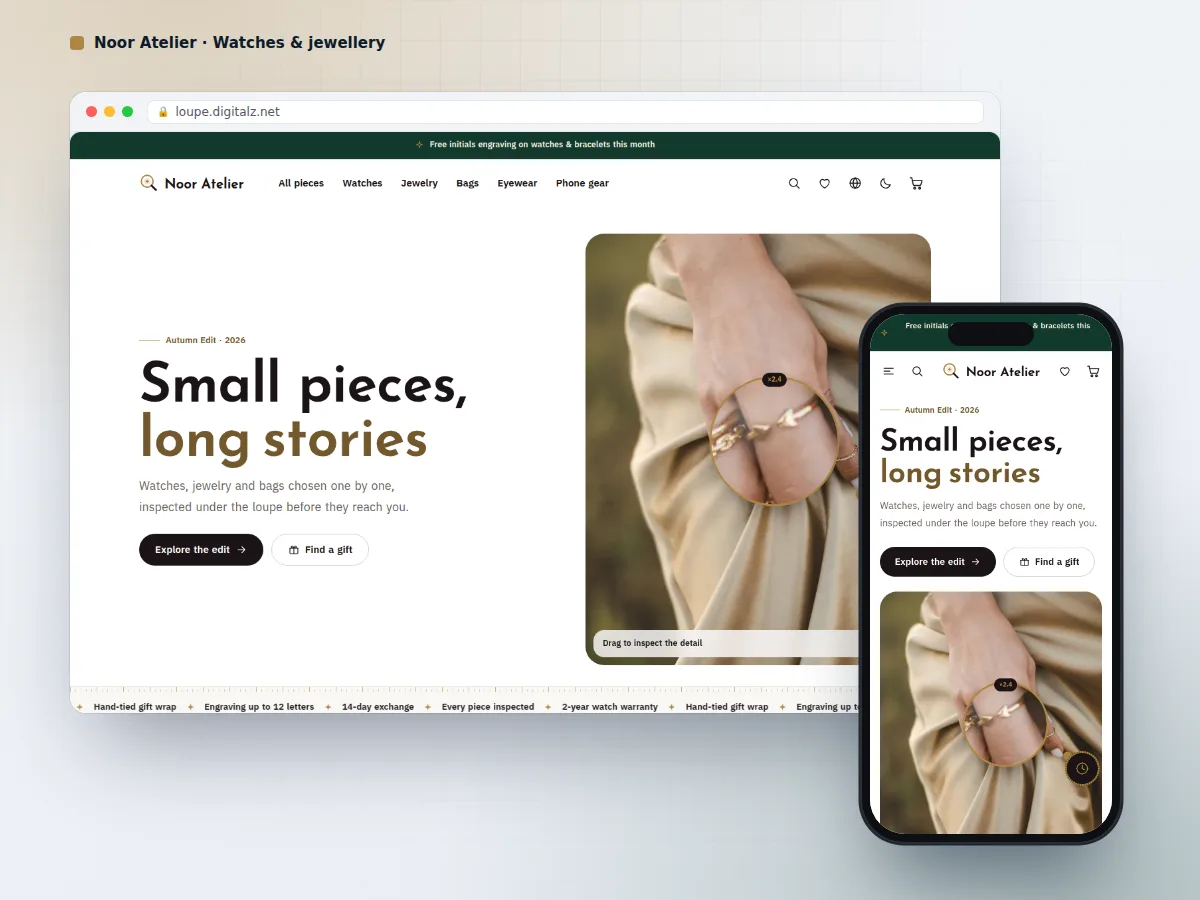
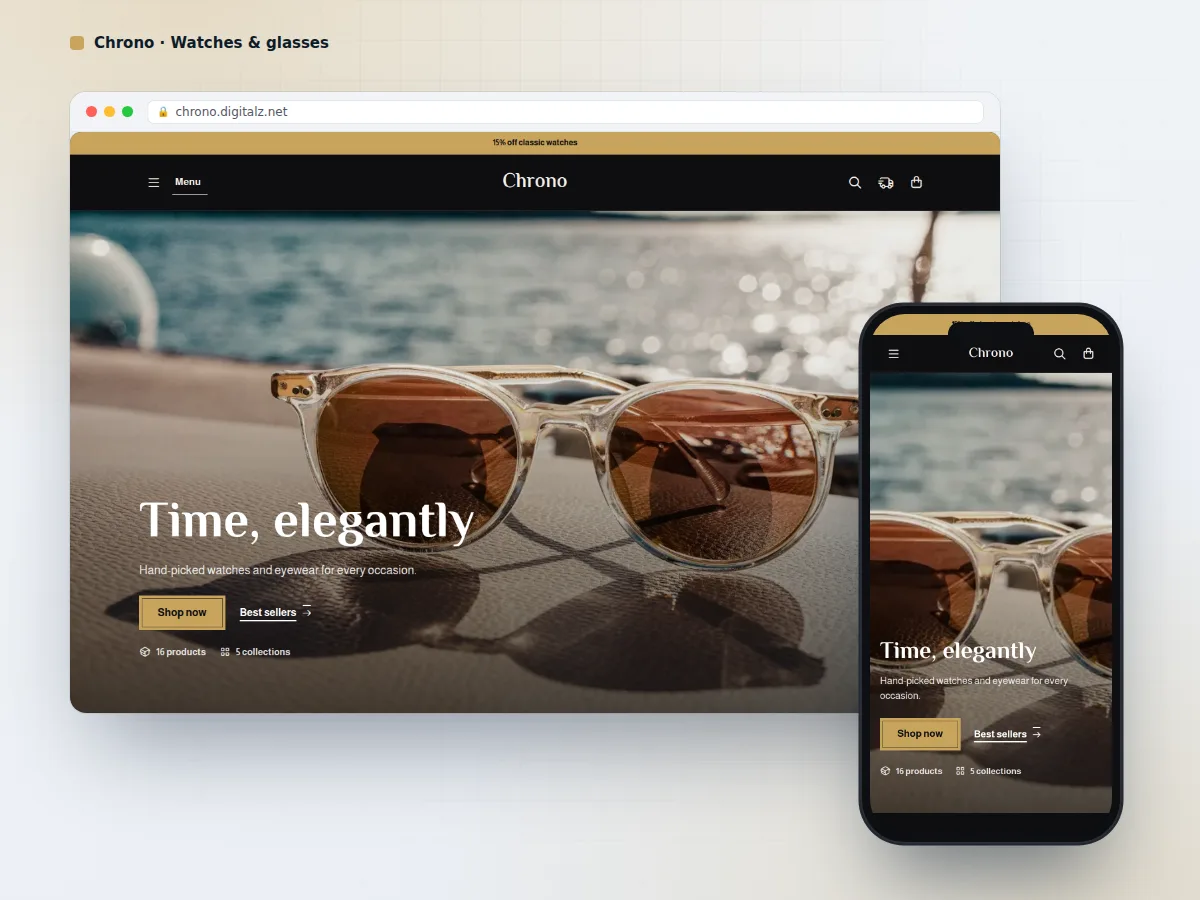 Watches & glasses1 look
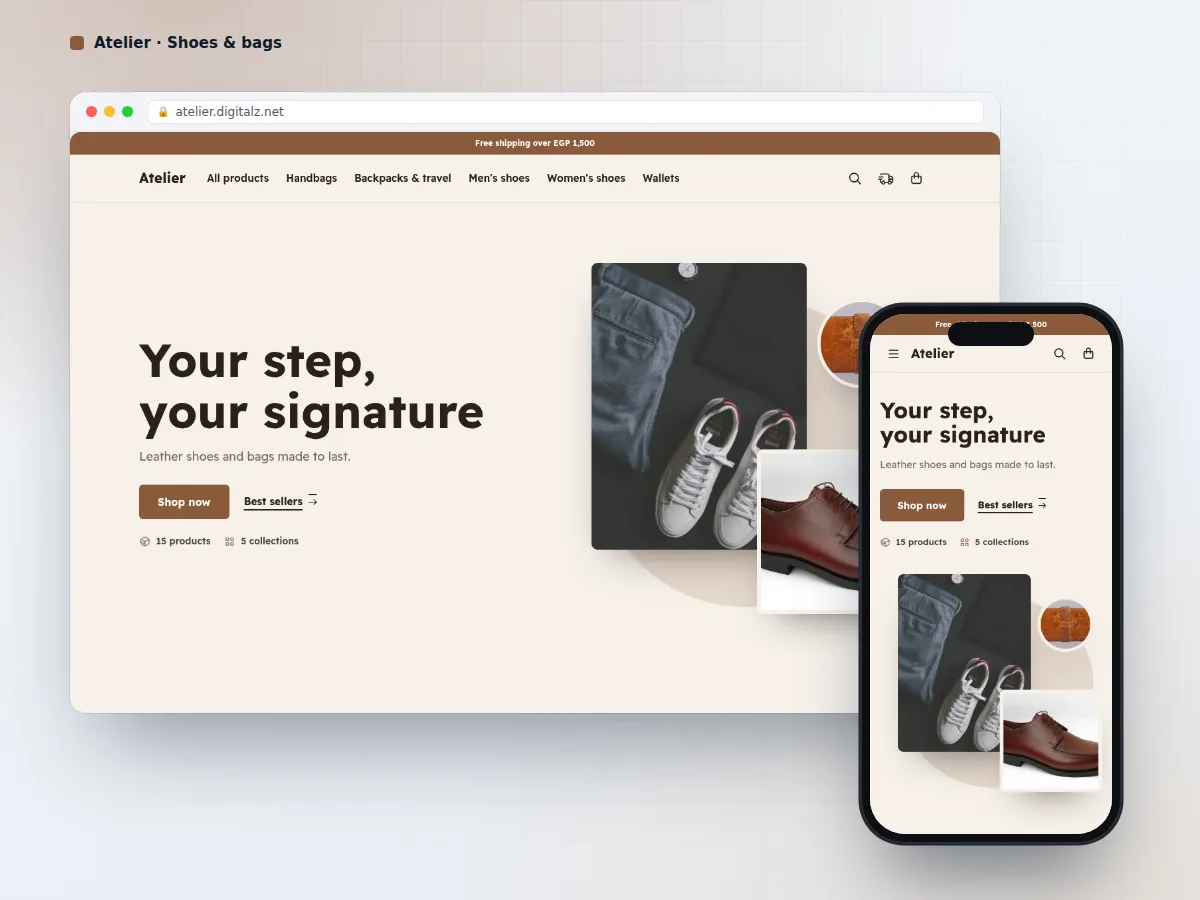 Shoes & bags1 look
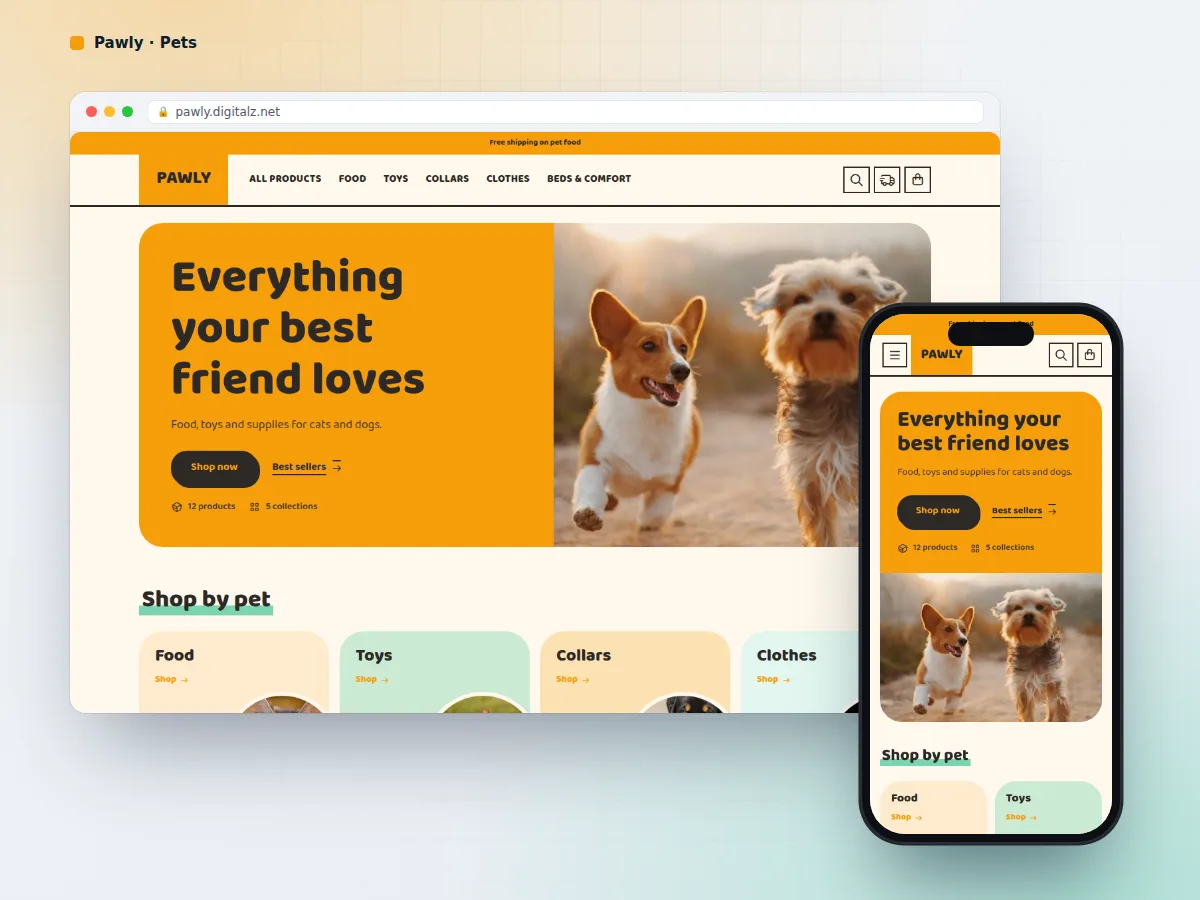 Pets1 look
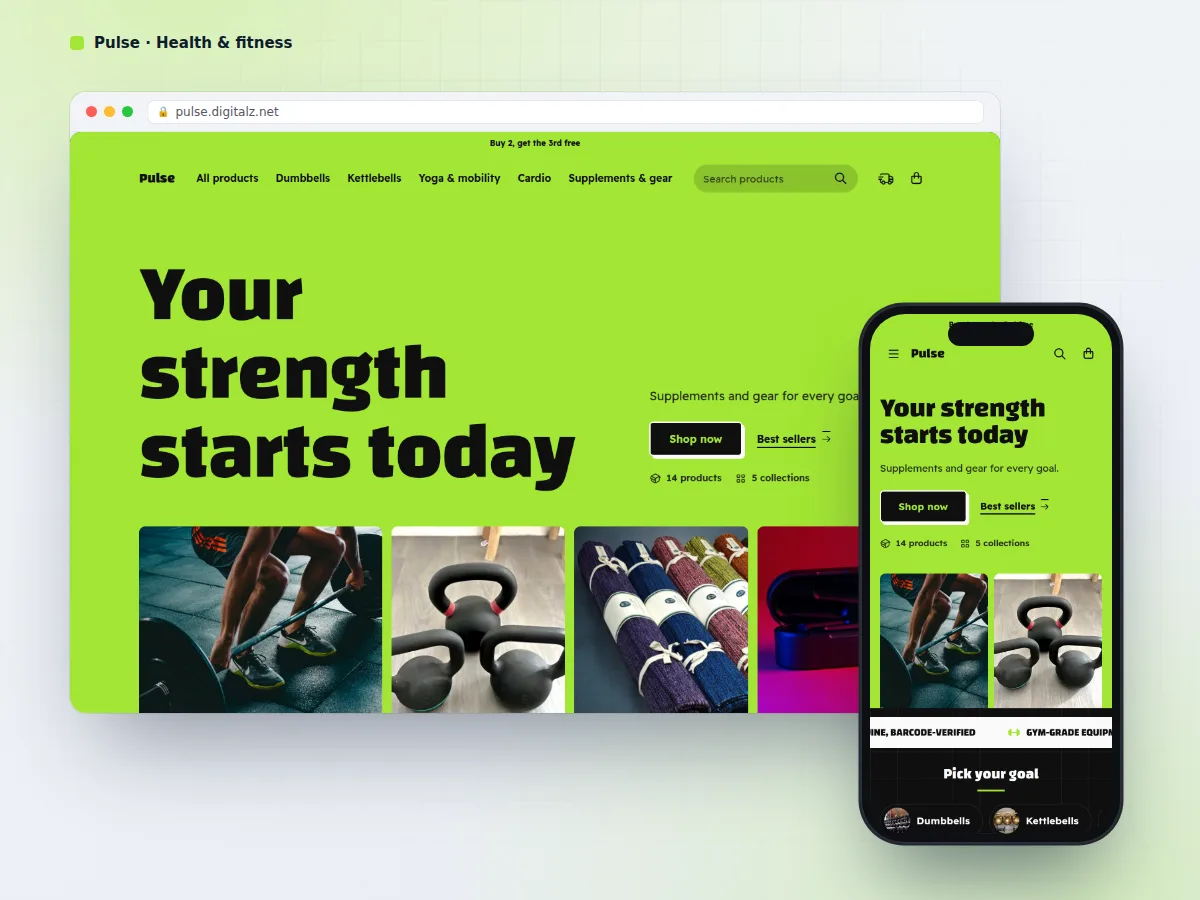 Health & fitness1 look
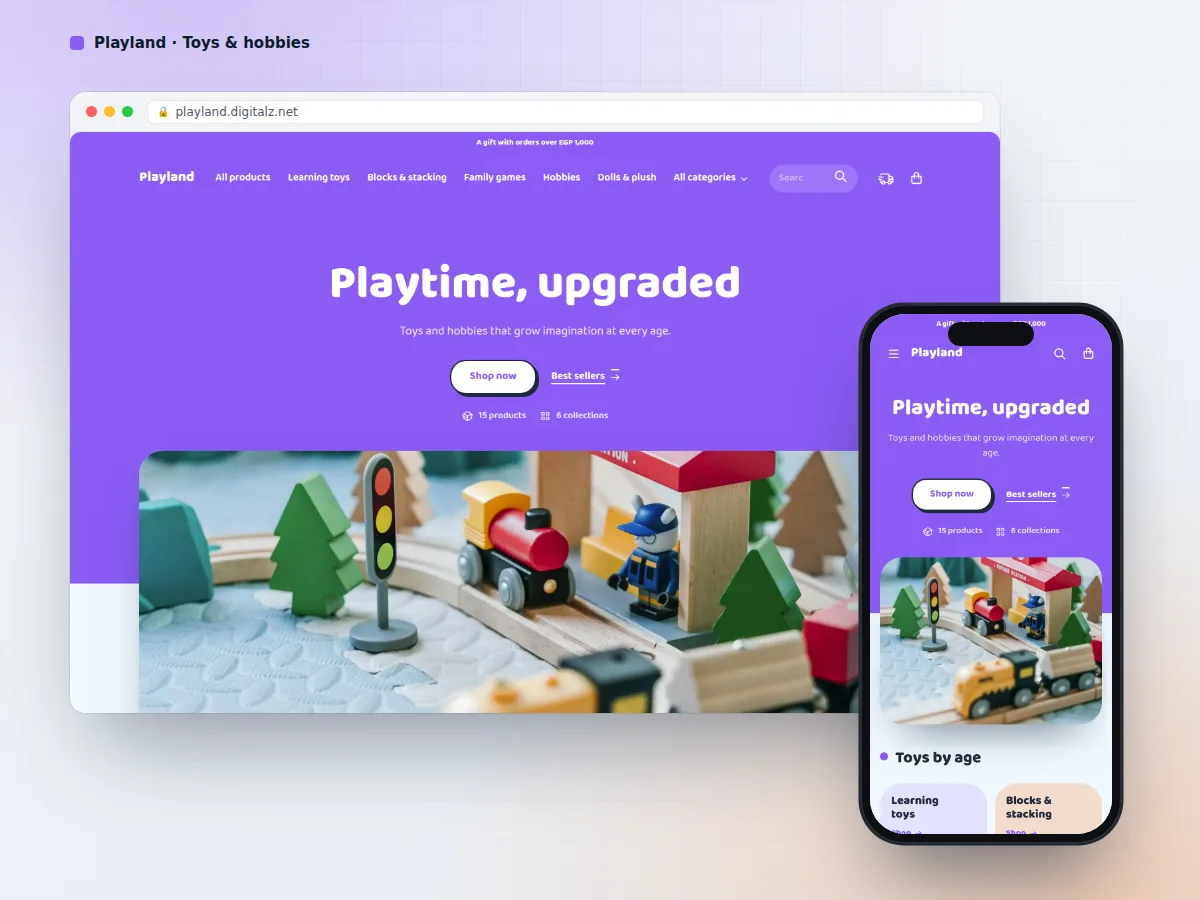 Toys & hobbies1 look
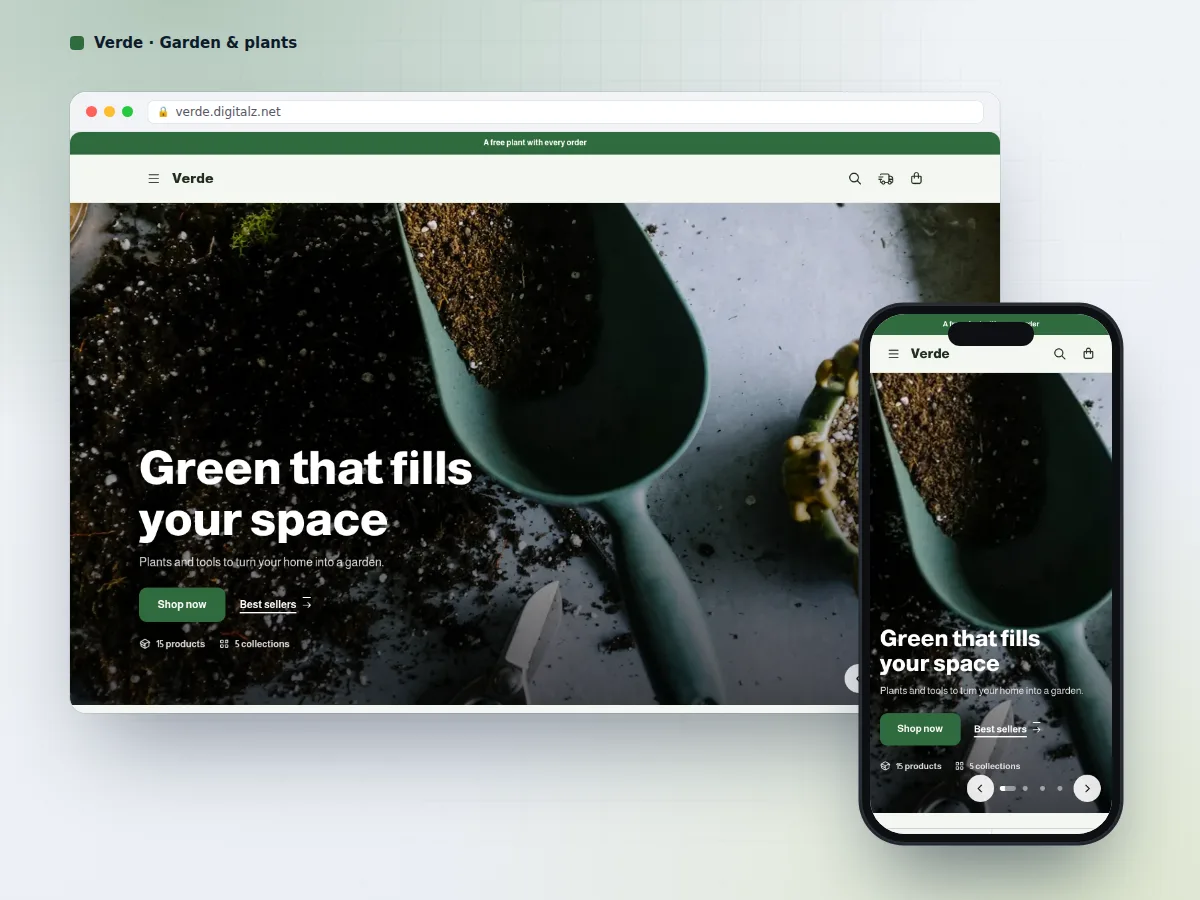 Garden & plants1 look
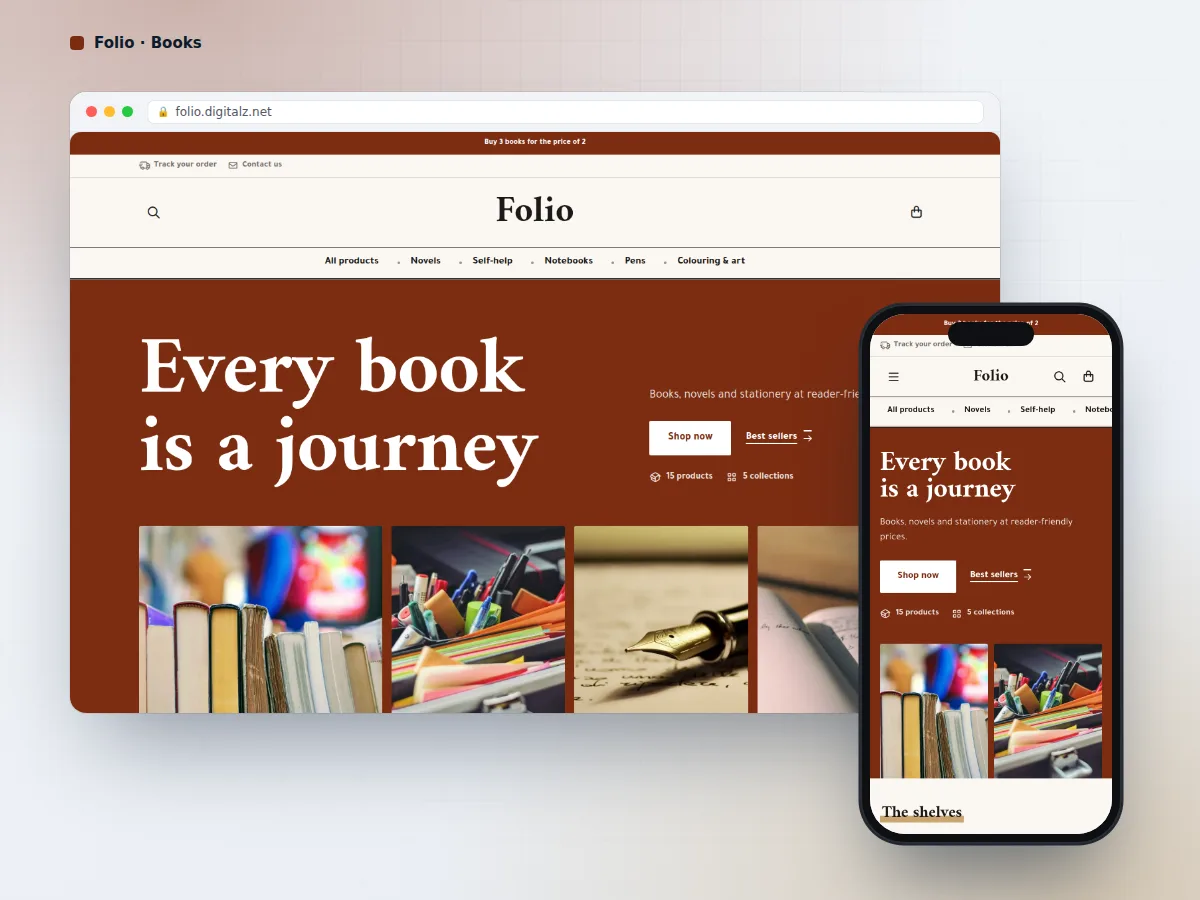 Books1 look
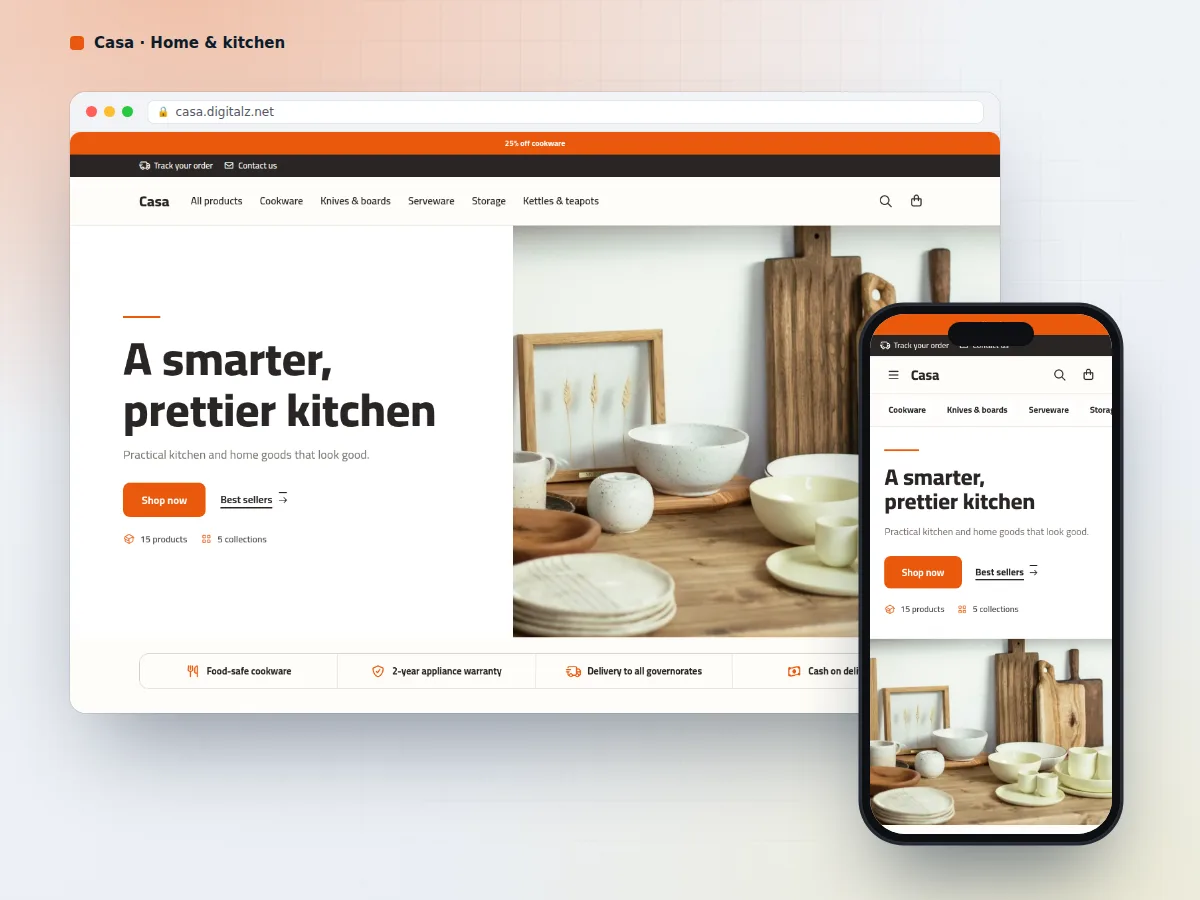 Home & kitchen1 look
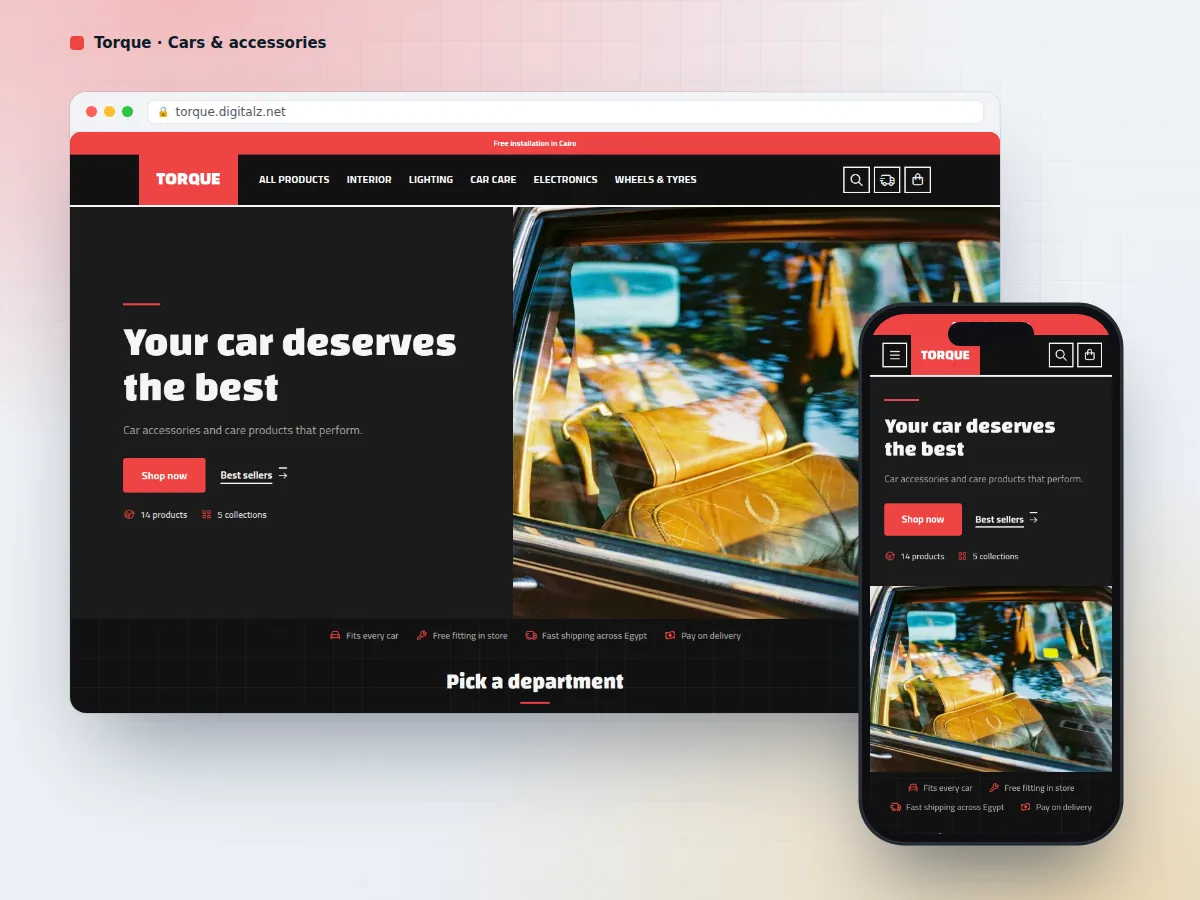 Cars & accessories1 look
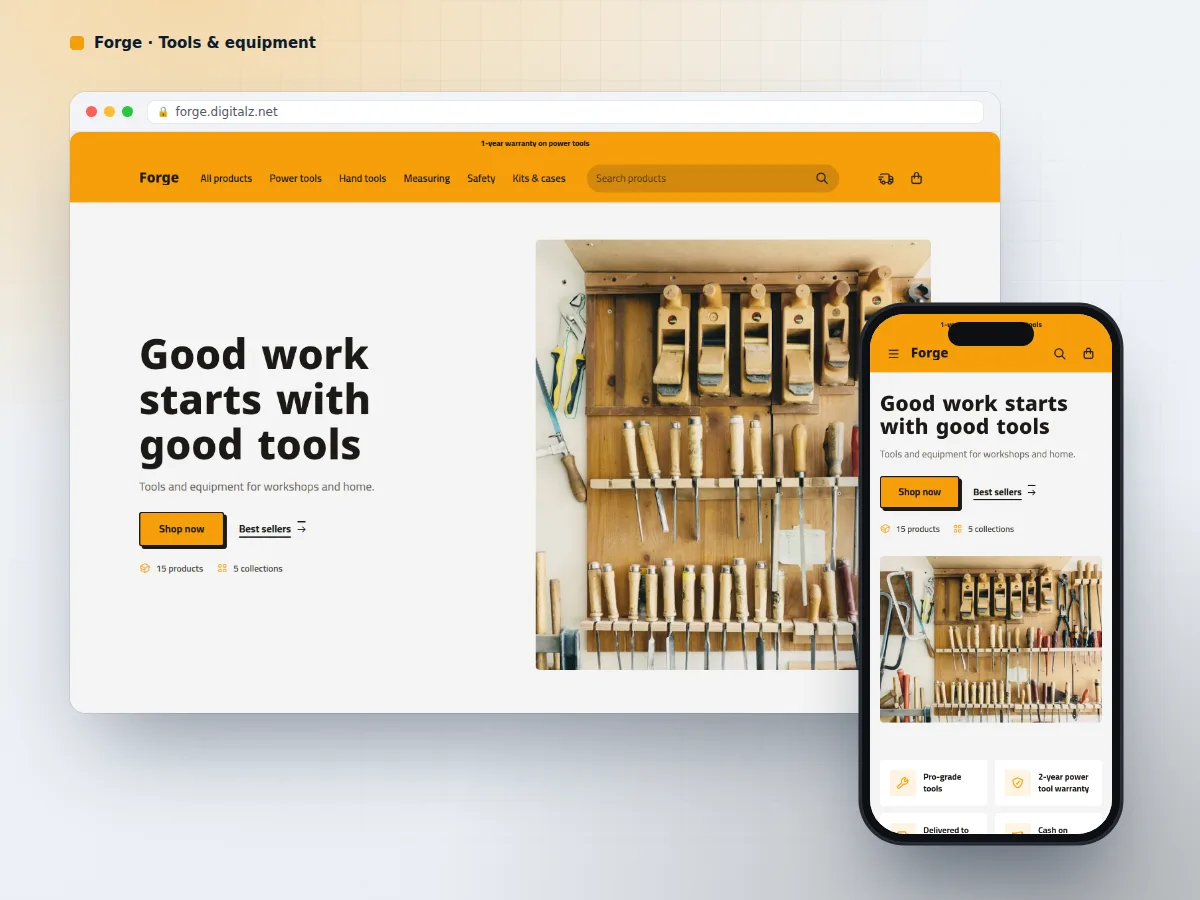 Tools & equipment1 look
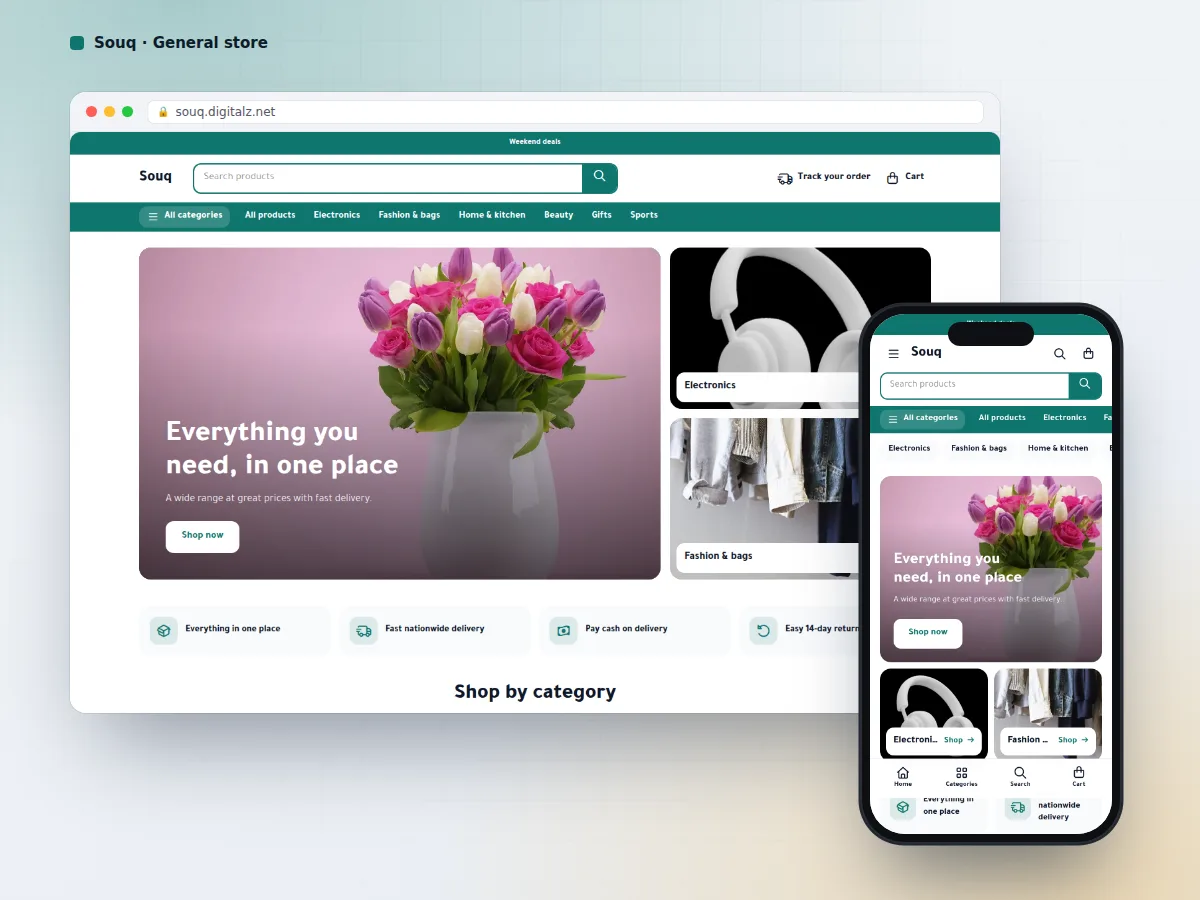 General store1 lookPremium39 EGPLive preview
Flowers & gifts
A photo slider, occasion cards and bouquet styling with your products.
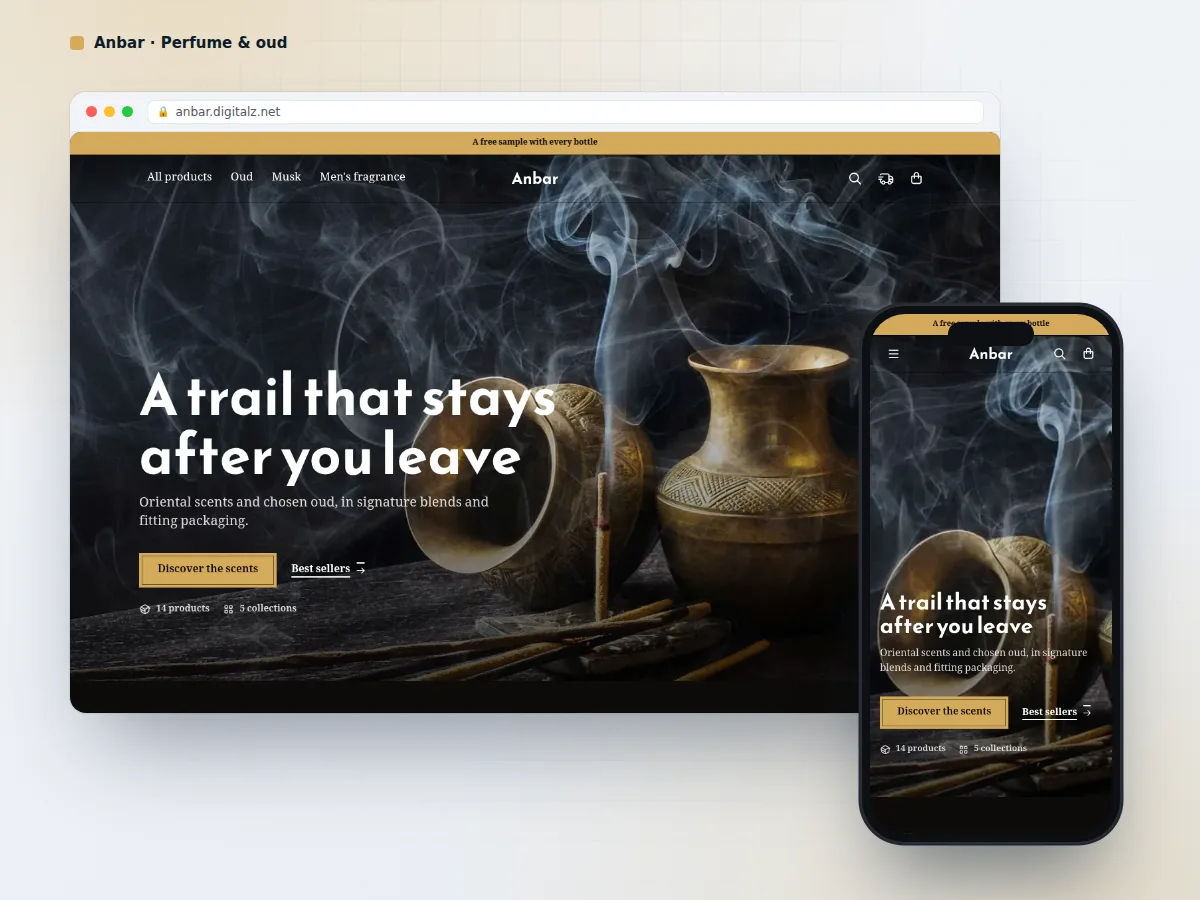 Premium49 EGPLive preview
Perfume & oud
A background video, a collection index and a scent pyramid on a gold block.
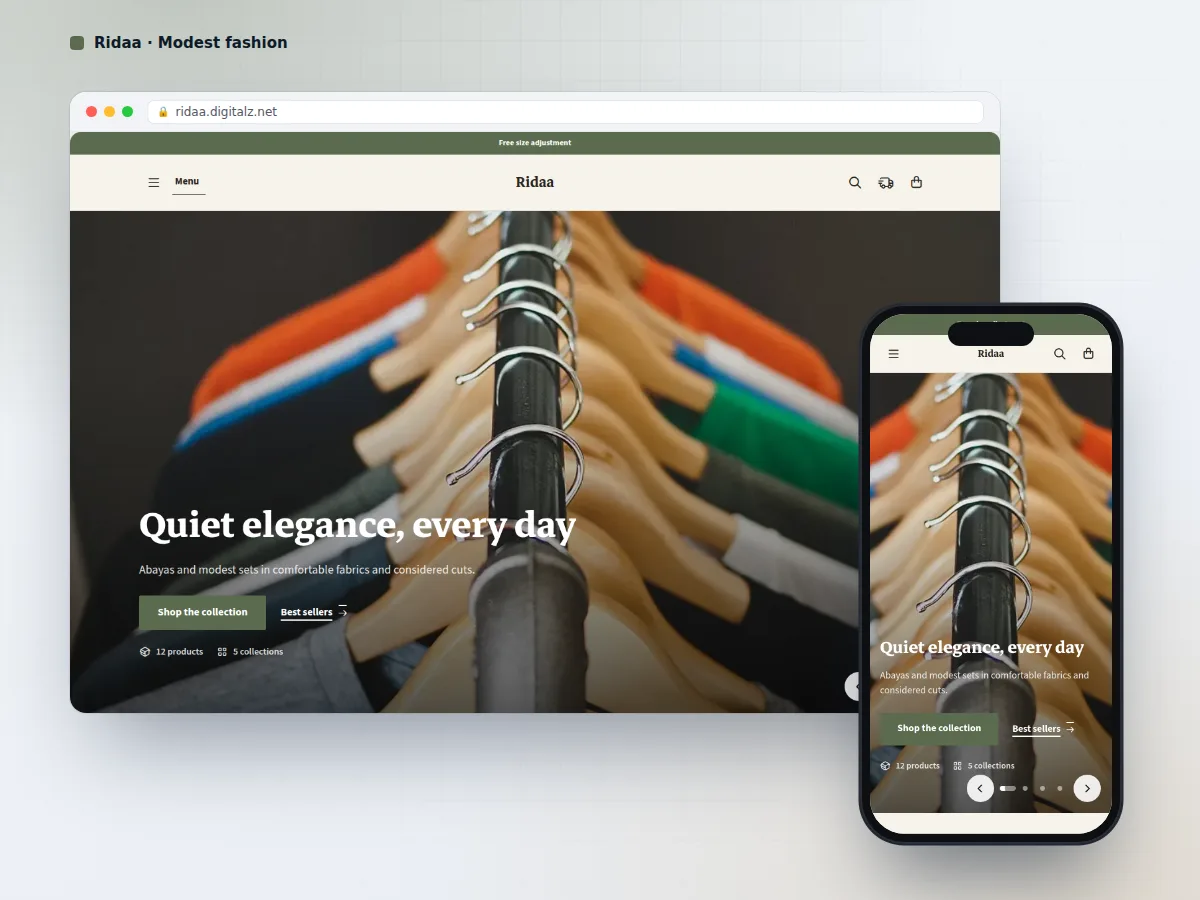 Premium45 EGPLive preview
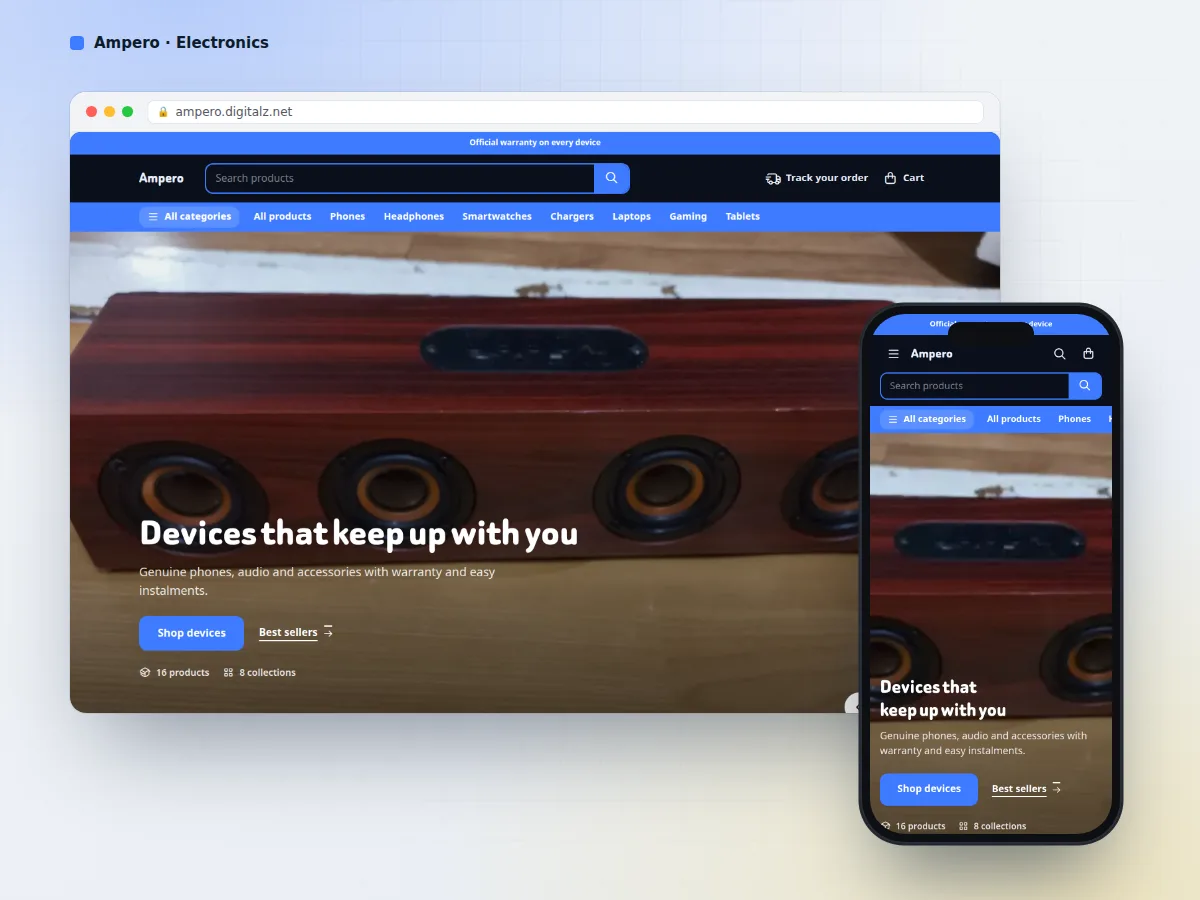 Premium49 EGPLive preview
Electronics
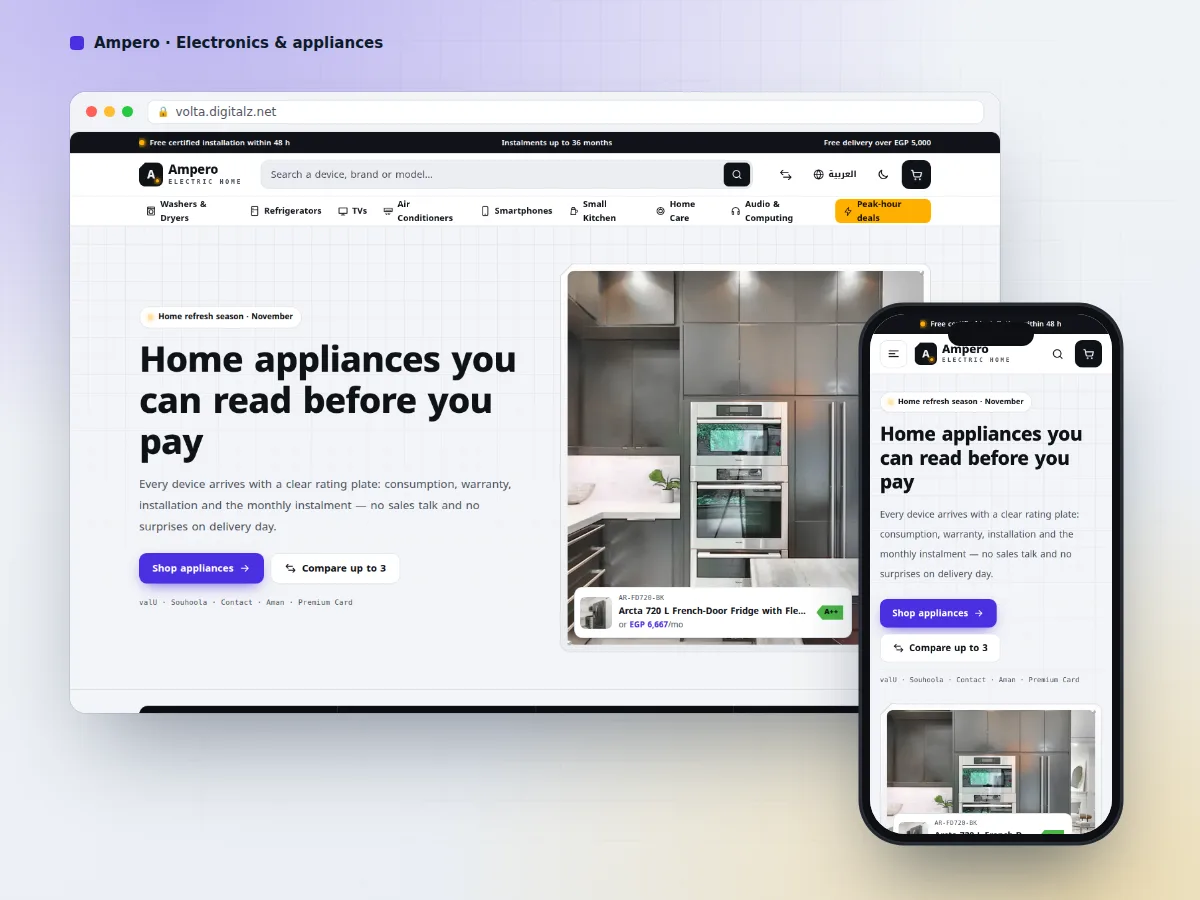
A marketplace with many collections, carousels and clear specs.
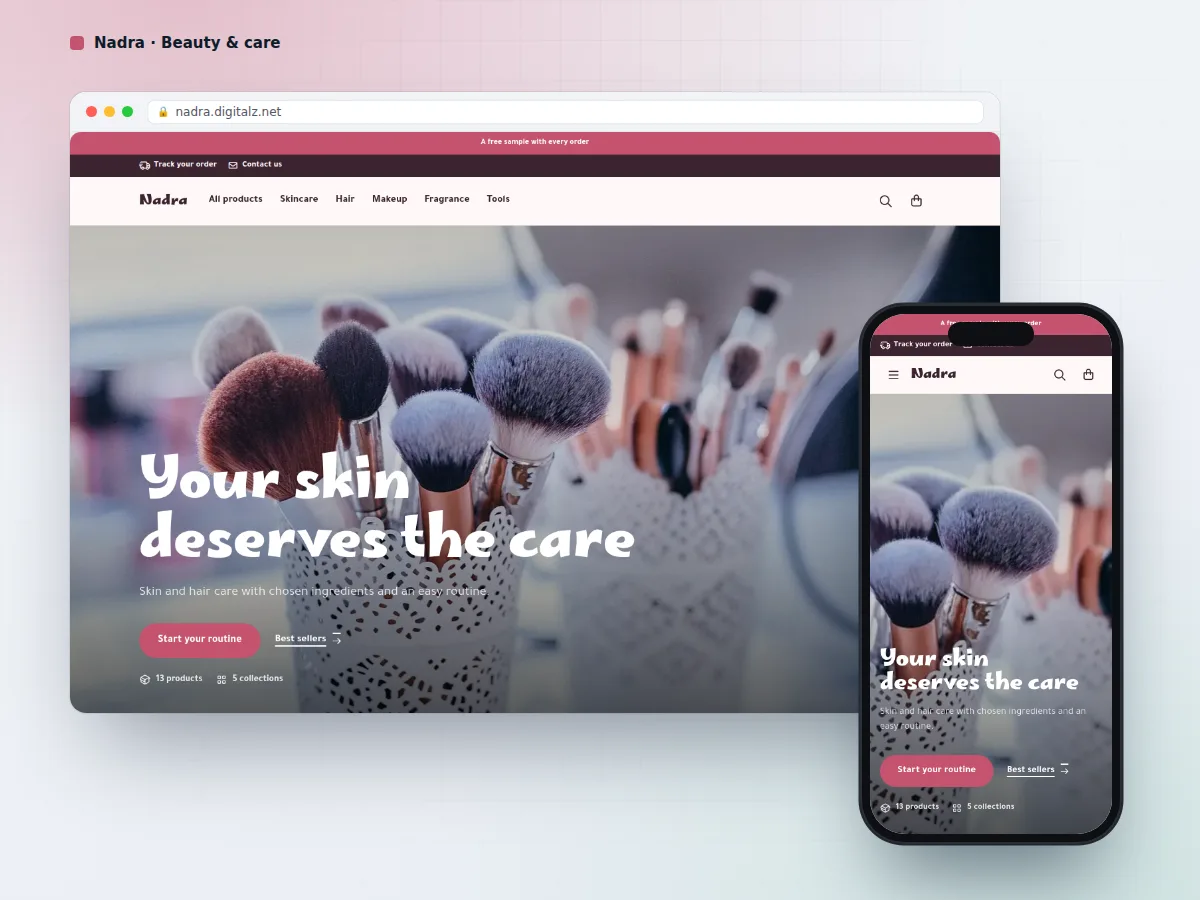 Premium39 EGPLive preview
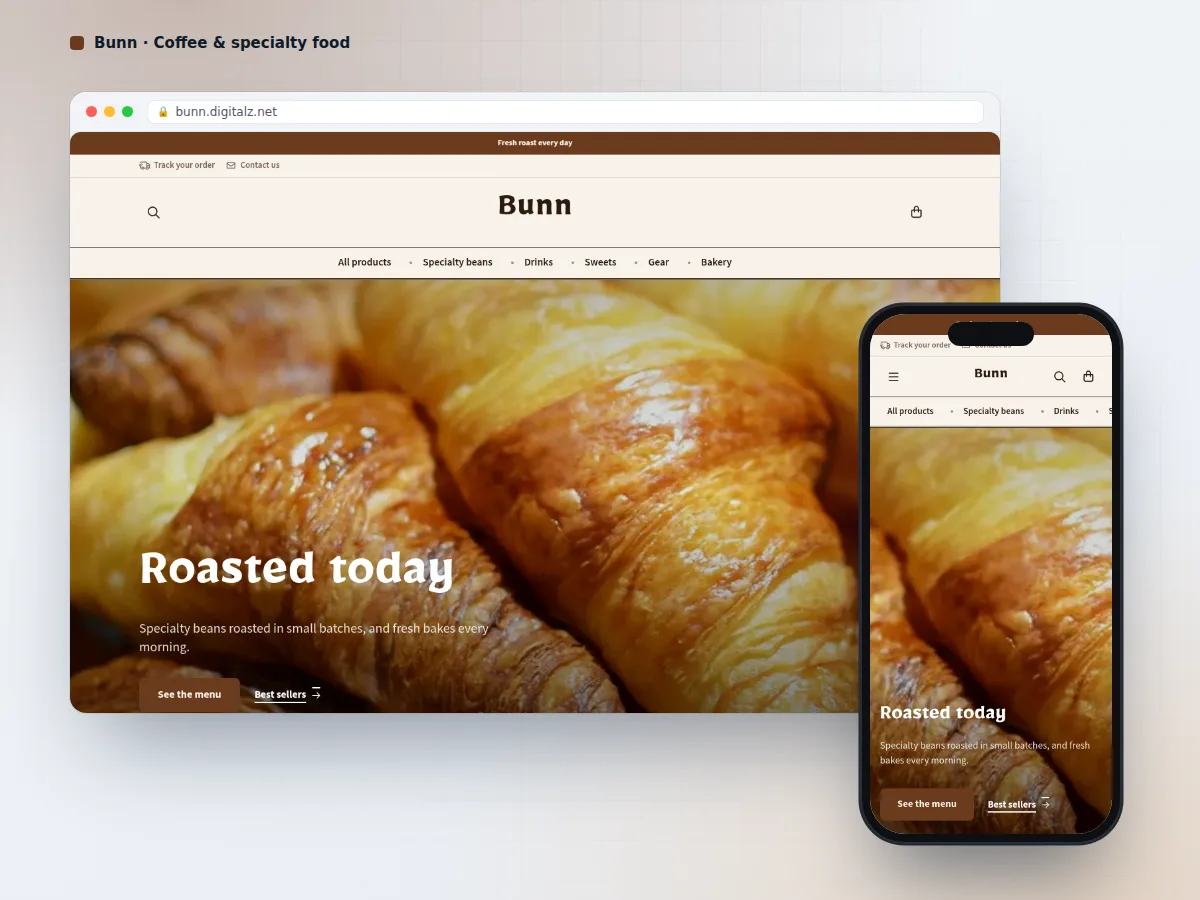 Premium35 EGPLive preview
Coffee & specialty food
A coffee masthead, a price menu and bean-to-cup steps.
 Premium49 EGPLive preview
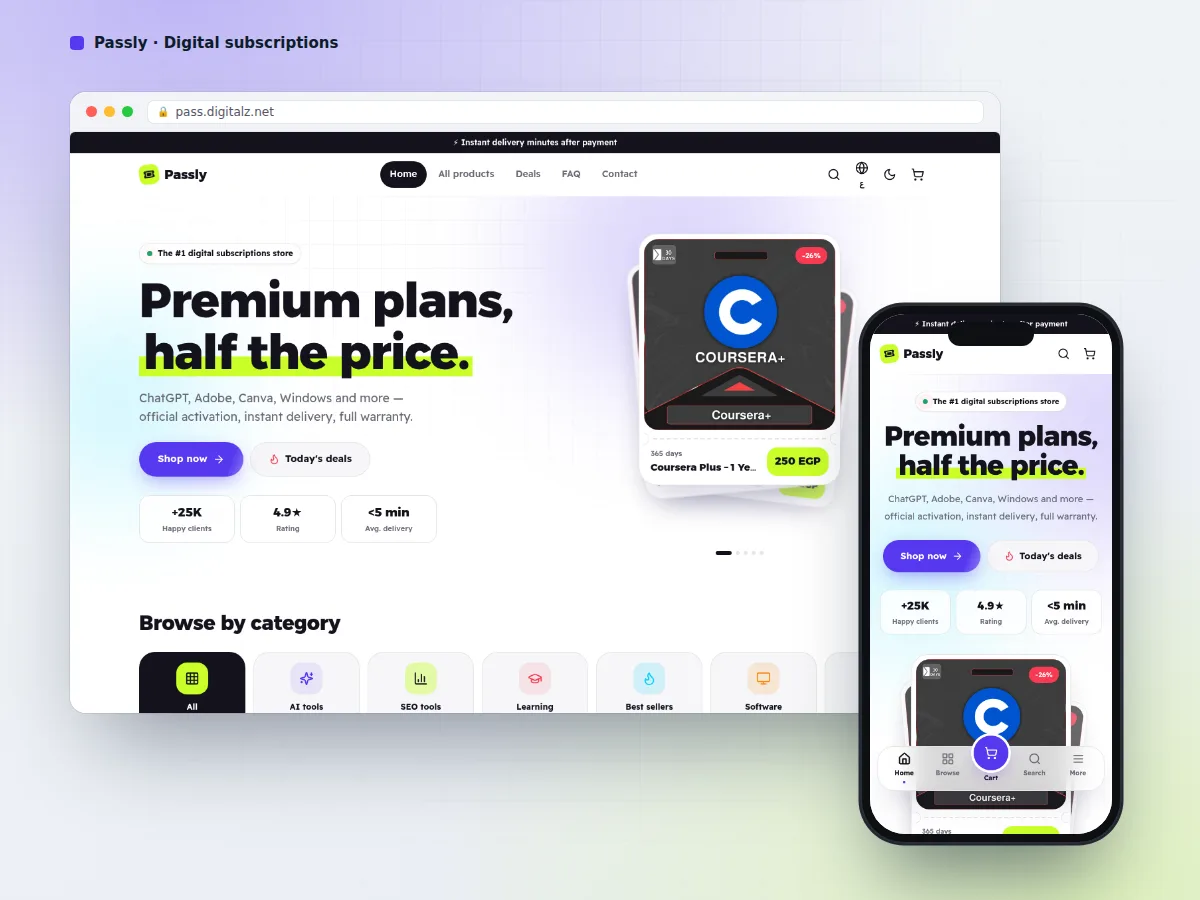
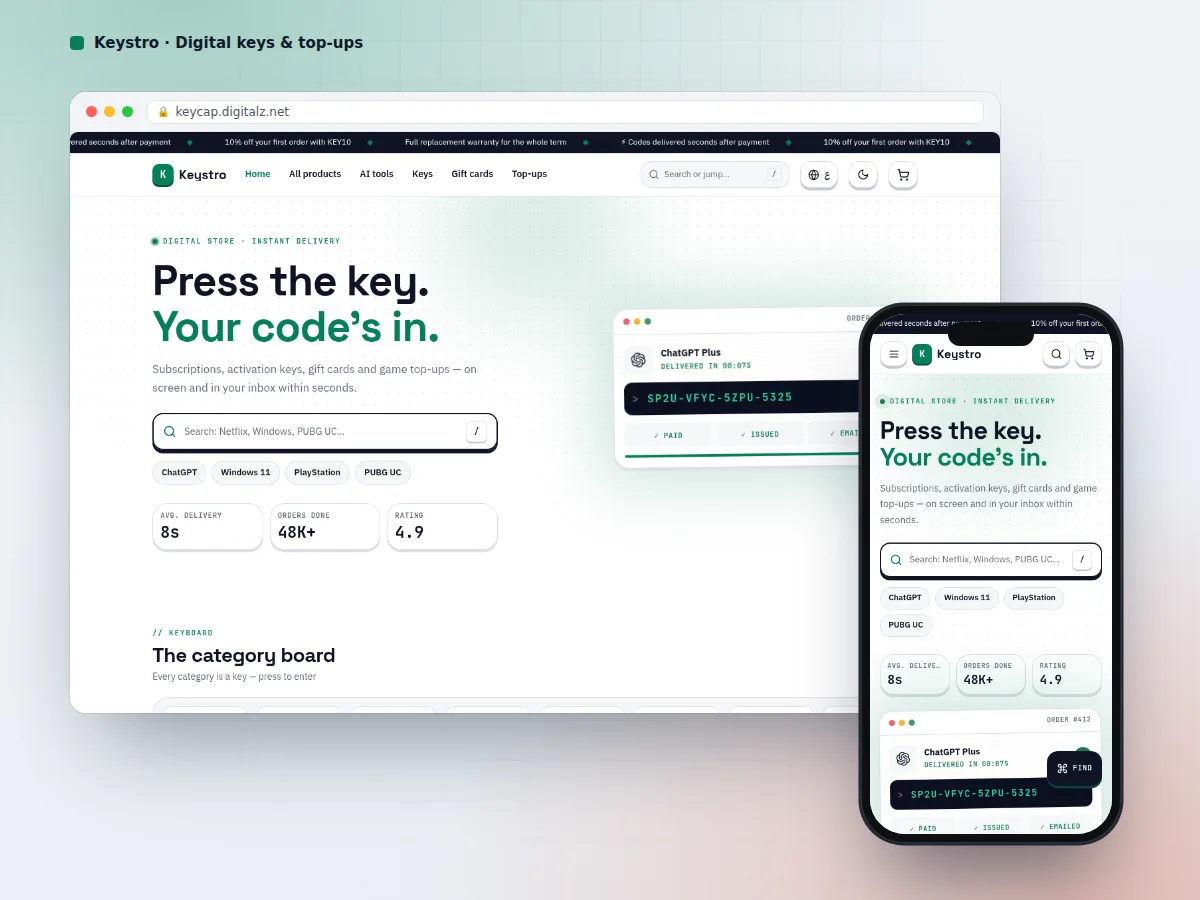
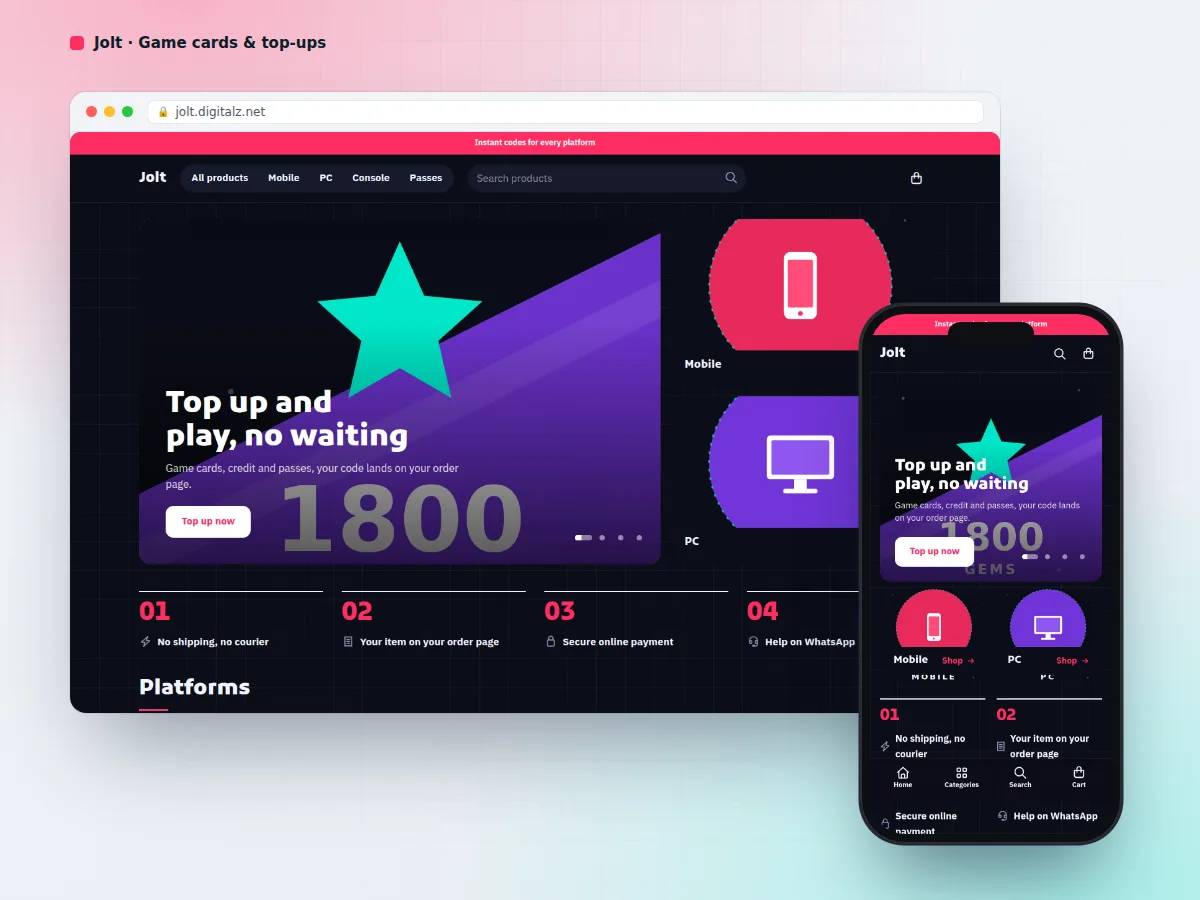
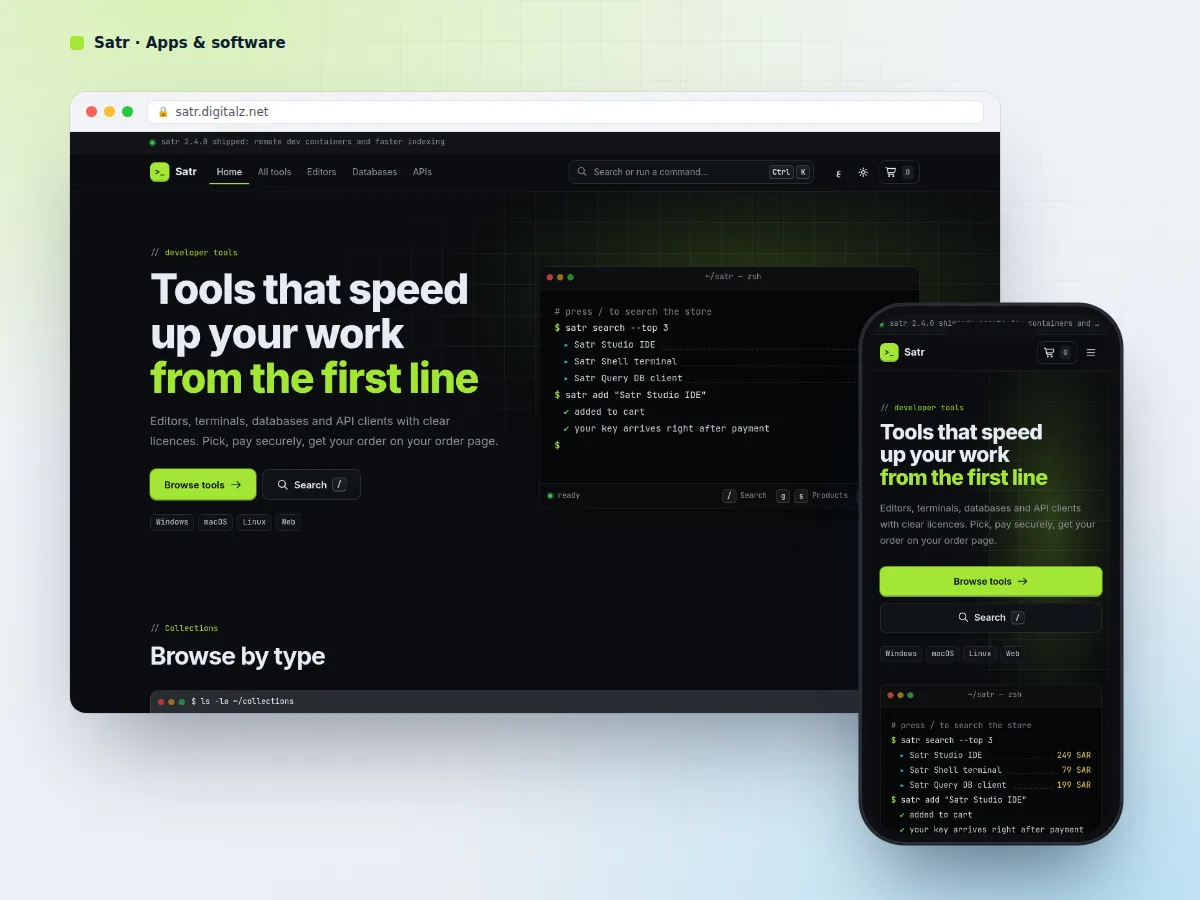
Apps & software
A dark developer-tools store: a live terminal, code cards, a command palette and keyboard shortcuts.
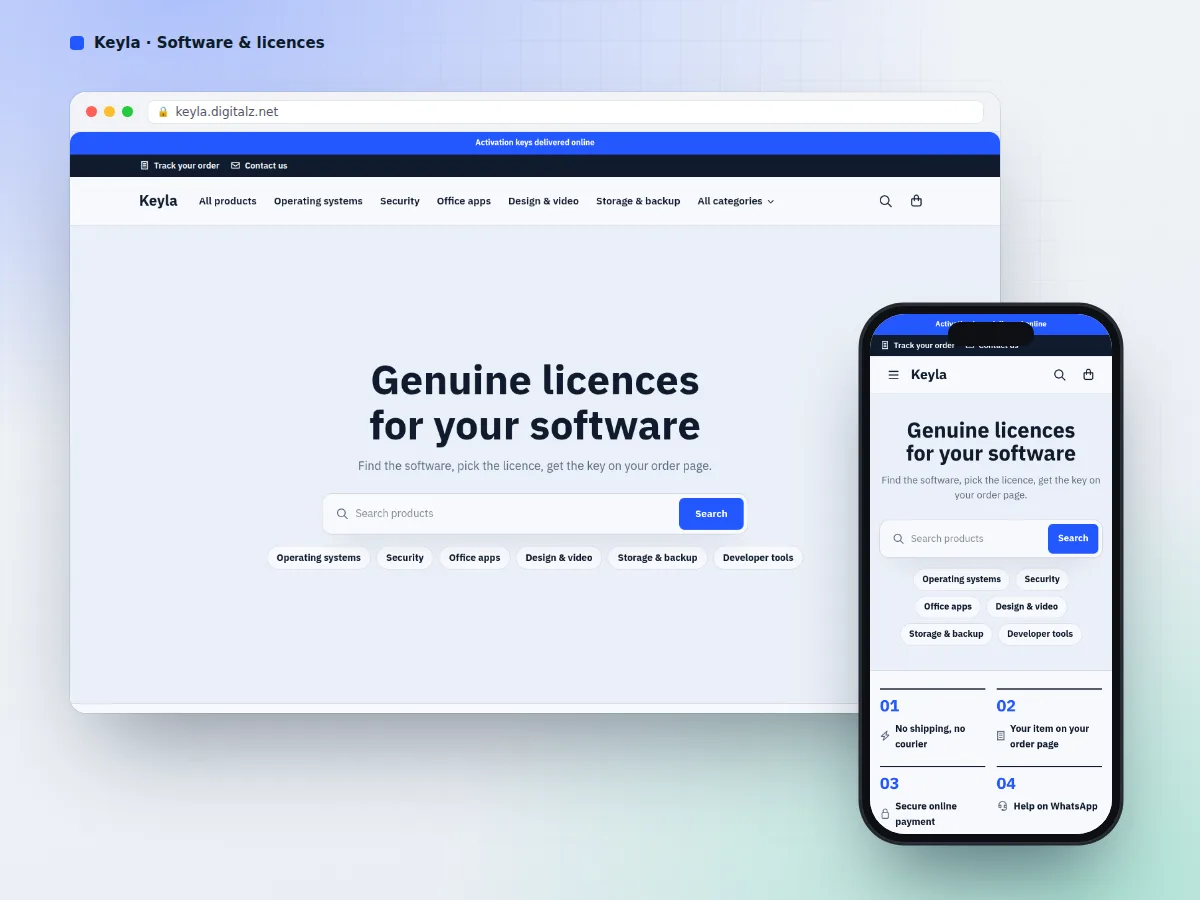
Premium49 EGPLive previewApps & software
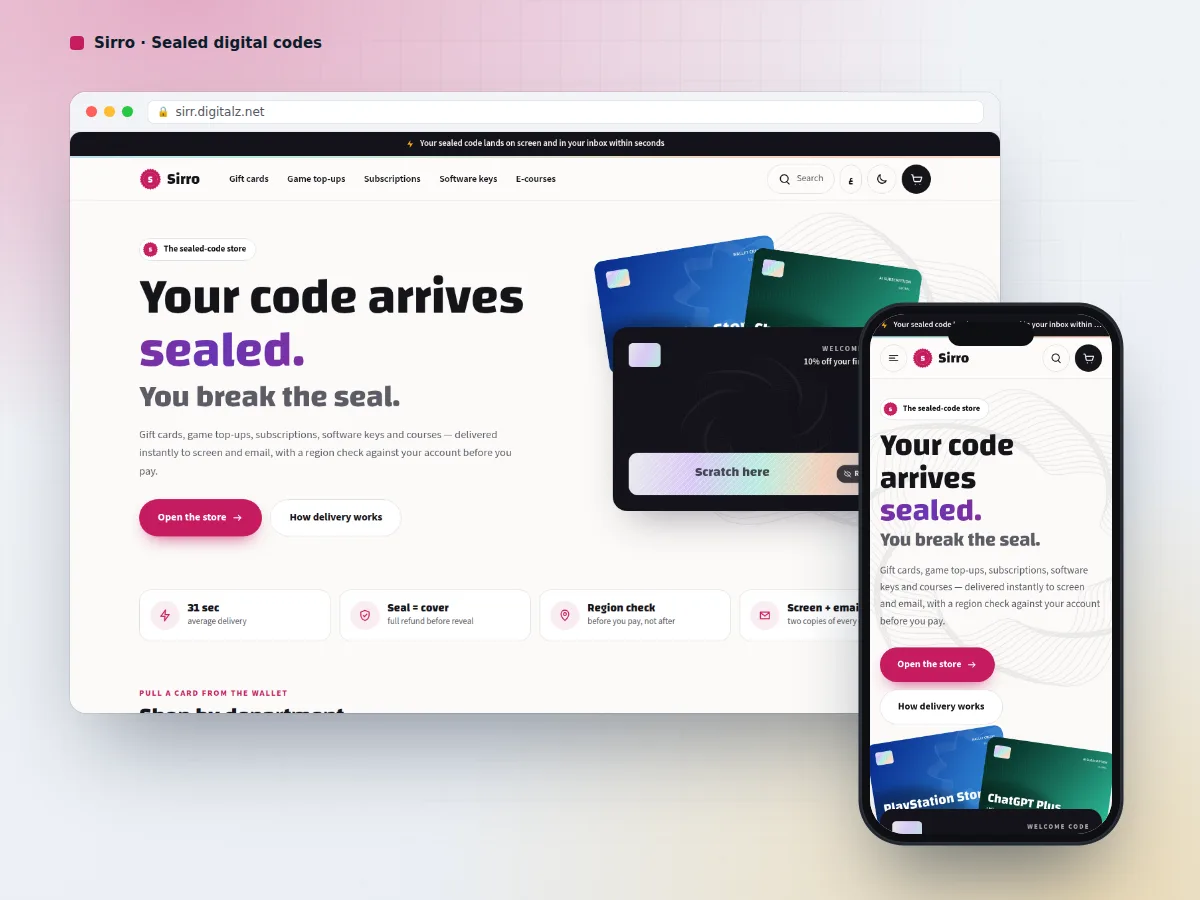
A light app-launch look with glass and soft gradients, drawn devices showing your products and licence tiers.
 Premium49 EGPLive preview
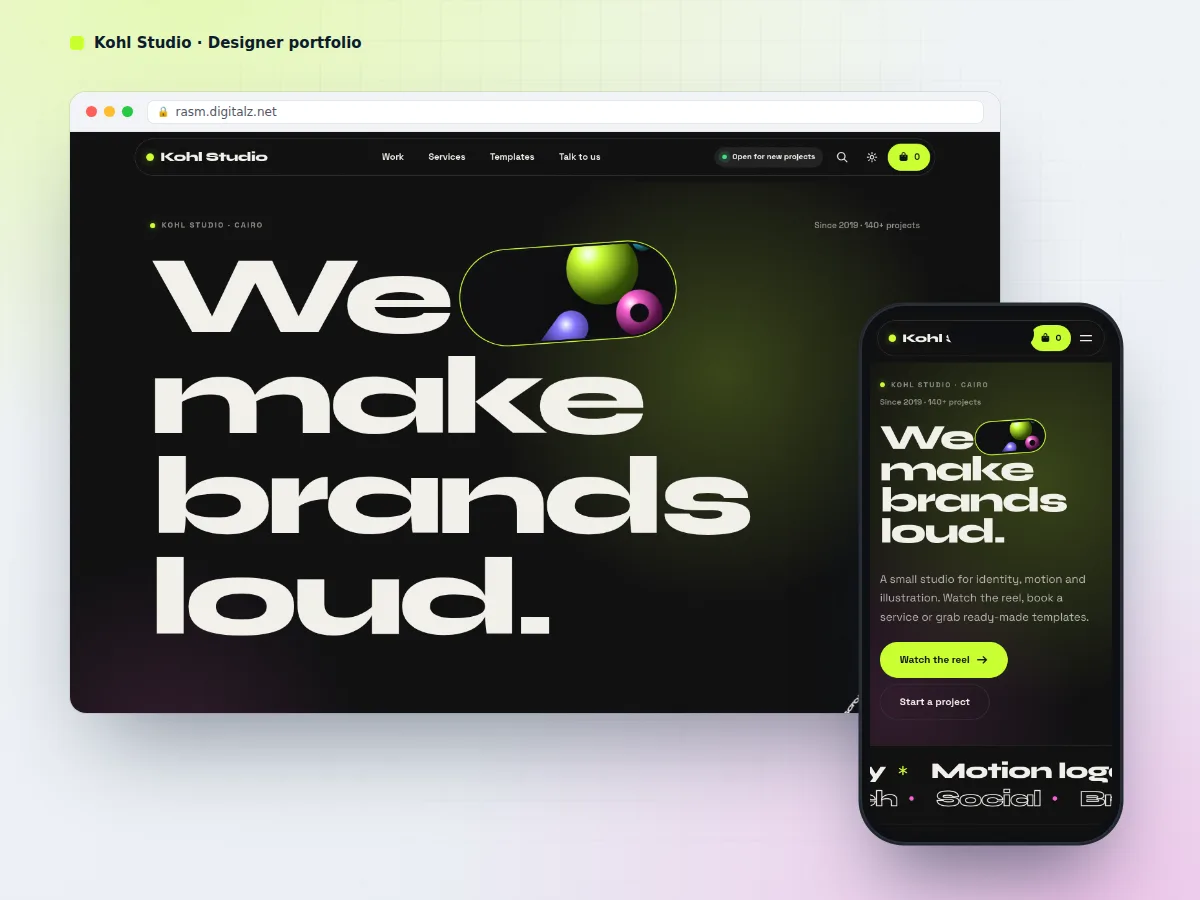
Designer portfolio
A dark creative studio look: film grain and a neon accent, a drag-scroll showreel, a project list with a cursor-follow preview, rotated stickers, service packages and a templates shop.
Premium49 EGPLive previewDesigner portfolio
A light editorial portfolio for a designer or a studio: oversized type, an asymmetric work grid, a case study page per project, design packages and instant-delivery files.
Premium49 EGPLive previewAccounting & ERP systems
A dark premium ledger: ruled paper, mono figures, stamped receipts, a ledger plan table and an invoice-style product page.
 Premium49 EGPLive preview
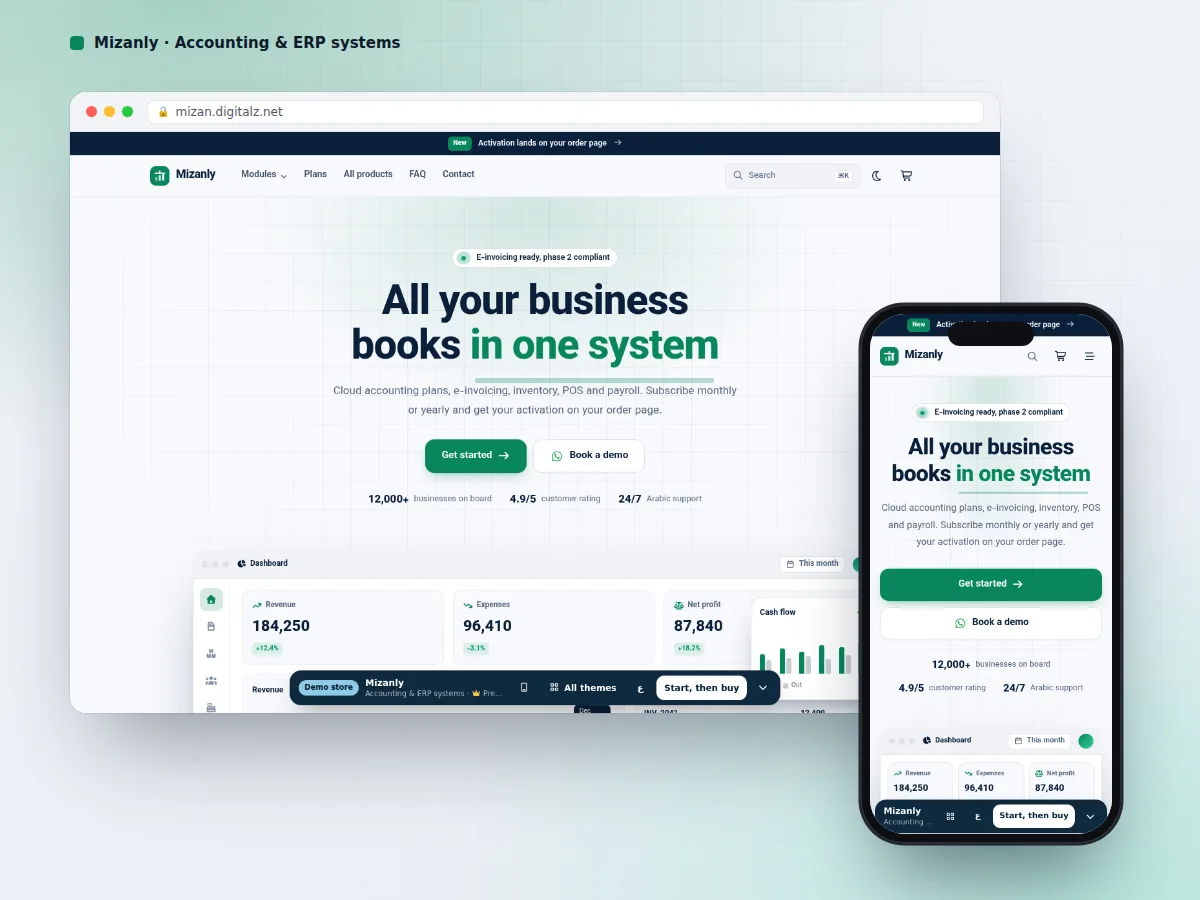
Accounting & ERP systems
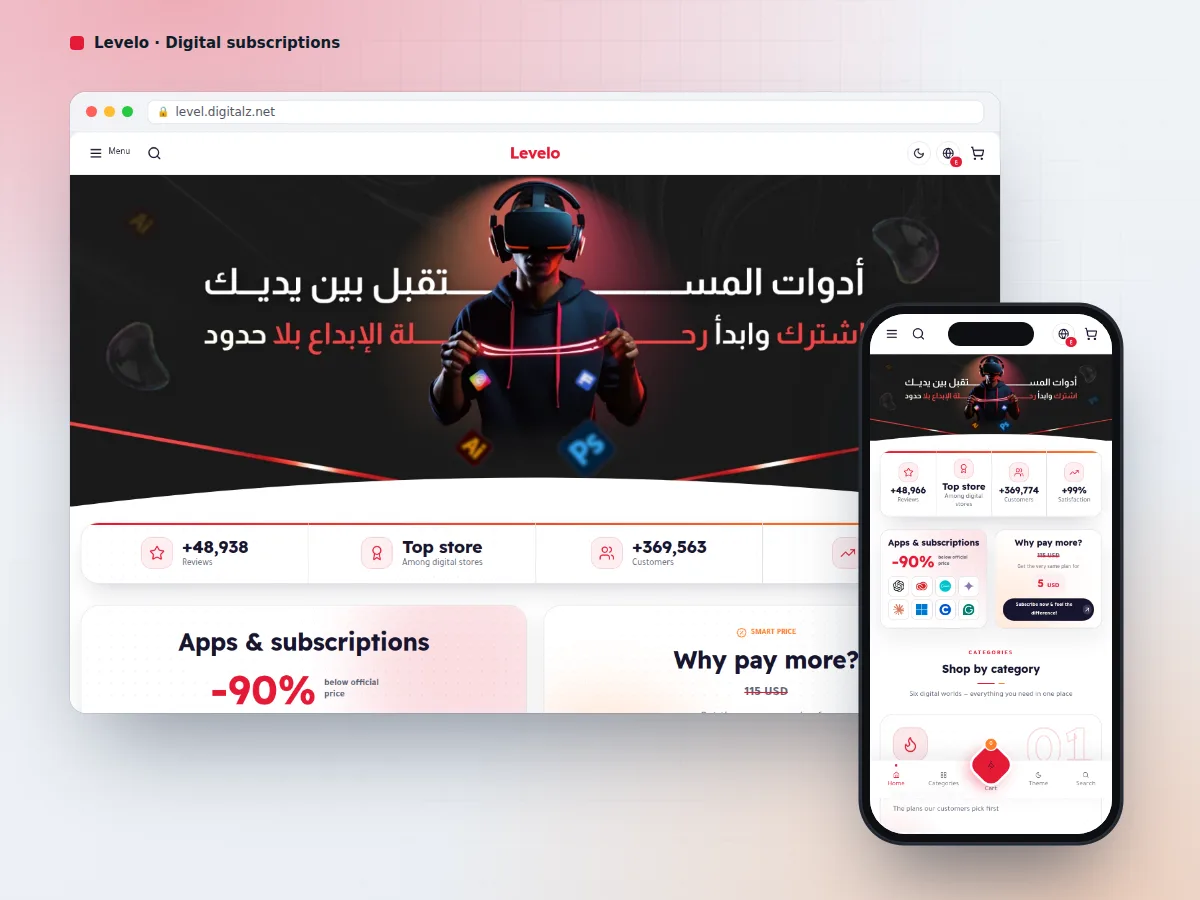
A trustworthy fintech look: a drawn accounting dashboard, a module grid, a monthly / yearly pricing table from your products and a WhatsApp demo request.
Pick a look
Browse the looks running live and choose the one that fits your business.
Make it yours
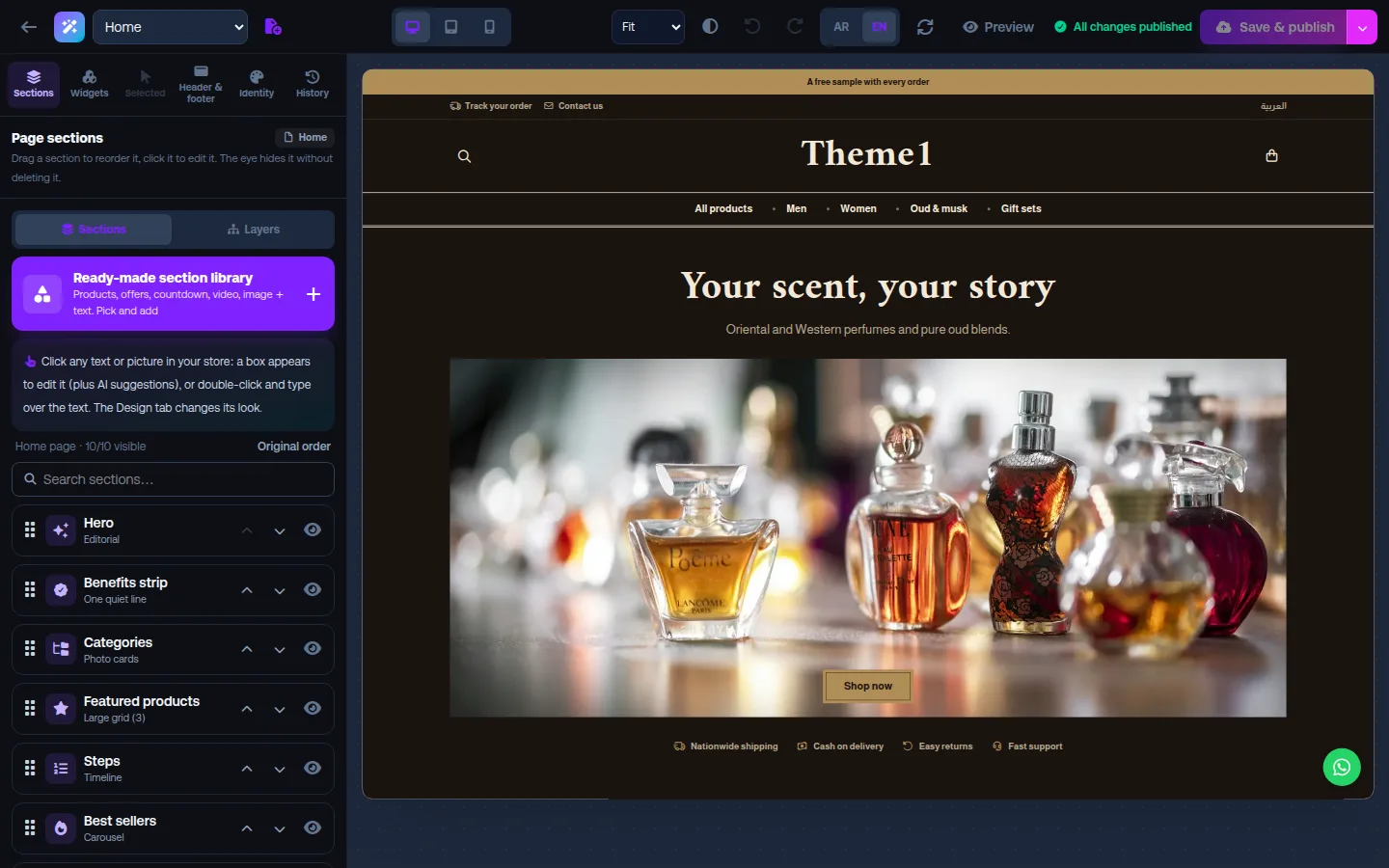
Change colours, texts and sections and see every change right away.
Launch
Add your products and start taking orders.
Free looks are available to every Digitalz store at no cost. Paid looks are bought from your store wallet and are ready to use right after.
Yes. Switch from your dashboard any time; your products and collections stay as they are.
Yes. The editor lets you change colours, texts and the order of sections, and add new ones from the library.
Every look is built phone-first, and you can check any of them at phone size from its preview page.
Yes, you can connect your own domain from the store dashboard.
Browse every look and start with the one you like.